Adding Alexa and Google Assistant to your car lets you control many functions hands-free, making your drive safer and more convenient. You can manage your music, navigation, climate, and even connect to your smart home devices with simple voice commands. This integration reduces distractions and enhances comfort while on the road. To get the most out of these features and guarantee your privacy, there’s more to explore about setup and security options.

Get business pricing on garage and car supplies
- Business-only prices and quantity discounts
- Tax-exempt purchasing
- Multiple users, one account, clear invoices
Key Takeaways
- Integrate Alexa or Google Assistant with your vehicle via compatible systems or aftermarket devices.
- Enable voice control for hands-free navigation, media, calls, and smart home integration during your drive.
- Review and adjust privacy settings to manage voice data sharing and protect personal information.
- Keep your voice assistant software updated regularly for security and new features.
- Use strong passwords and limit permissions to ensure data security while enjoying voice control features.
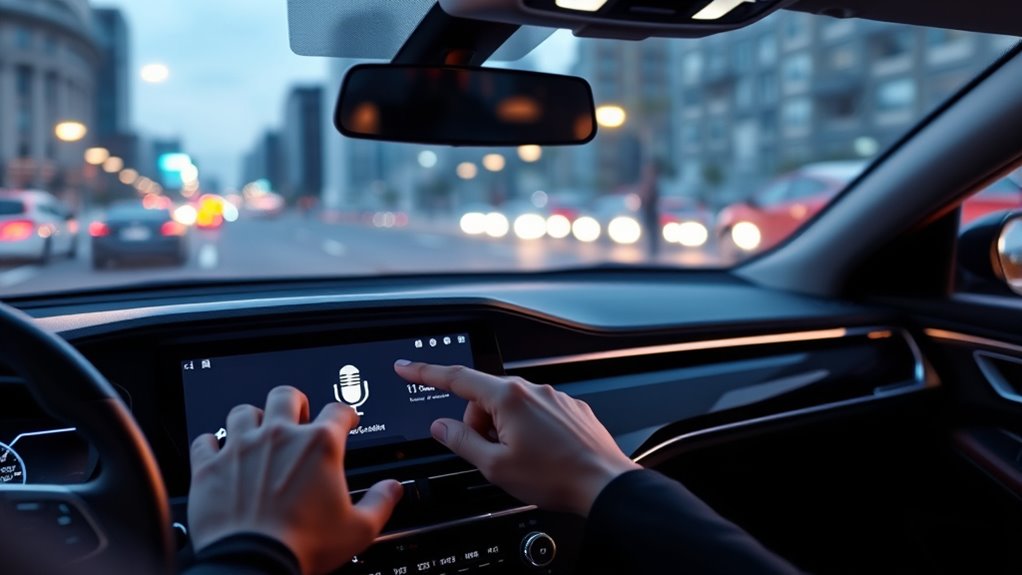
Voice control in cars has become an increasingly popular feature, allowing drivers to operate various functions hands-free and stay focused on the road. With the integration of voice assistants like Alexa and Google Assistant, you can control not just your vehicle’s infotainment system but also connect to your smart home devices seamlessly. Imagine telling your car to play your favorite playlist, adjust the temperature, or even turn off your smart lights as you drive home. This level of convenience enhances your driving experience, making it safer and more efficient. However, as you embrace these smart features, it’s essential to consider the potential privacy concerns associated with voice control systems.
When you connect Alexa or Google Assistant to your car, you’re often linking your voice commands to cloud-based servers. This means your voice data is transmitted and stored online, raising questions about how securely your information is handled. It’s worth reviewing the privacy policies of these platforms to understand what data is collected, how it’s used, and who has access. Many systems allow you to manage your privacy settings, giving you control over what gets stored and for how long. For example, you might choose to delete voice recordings regularly or disable certain data-sharing options. Being proactive about your privacy helps you enjoy the benefits of smart voice control without compromising your personal information.
Another aspect to consider is smart home integration. With Alexa or Google Assistant, you can sync your car with your smart home ecosystem, enabling voice commands to control lights, thermostats, or security systems. This integration can be incredibly convenient, especially when you’re arriving home or leaving for work. You might say, “Alexa, turn on the porch light,” as you head inside, or ask Google Assistant to adjust the thermostat before you walk in. But keep in mind that connecting these devices requires network access and ongoing data exchange, which might introduce additional privacy vulnerabilities if not managed carefully. Understanding data security is crucial to ensure your connected devices stay protected.
To maximize your safety and privacy, ensure your vehicle’s voice assistant system is updated regularly with the latest security patches. Use strong, unique passwords for your associated accounts, and consider limiting permissions for third-party skills or apps. By doing so, you can enjoy the convenience of voice control—like hands-free calling, navigation, and smart home management—while keeping your personal data protected. As voice technology continues to evolve, staying informed about privacy settings and smart home integration options ensures you harness the full potential of your car’s voice features without unnecessary risks.
Amazon Alexa car integration device
As an affiliate, we earn on qualifying purchases.
As an affiliate, we earn on qualifying purchases.
Frequently Asked Questions
Can I Use Alexa and Google Assistant Simultaneously in My Car?
You can’t typically use Alexa and Google Assistant simultaneously in your car because they often compete for control, and your system may prioritize one over the other. To avoid voice assistant privacy concerns, choose the one you trust most. Confirm your smartphone integration settings support your preferred voice assistant, and disable the other to prevent conflicts. This way, you get smooth voice control while maintaining privacy and seamless device connectivity.
Are There Any Safety Concerns Using Voice Assistants While Driving?
Safety concerns with voice assistants in your car mainly revolve around driver distraction and privacy. While hands-free control helps you stay focused, using voice commands can still divert your attention, increasing the risk of accidents. Plus, privacy concerns arise as your voice data is transmitted and stored online. To stay safe, set up your system properly, limit background noise, and stay alert, ensuring voice tech enhances rather than endangers your driving experience.
How Do I Update or Troubleshoot Voice Assistant Connectivity Issues?
To resolve voice assistant connectivity issues, start by checking your Wi-Fi connectivity and ensuring your device is within range. Restart your car’s infotainment system and update the app or firmware if needed. For voice recognition problems, recalibrate your microphone or speak clearly. If issues persist, disconnect and reconnect your account, or reset your device’s network settings. Keeping software up-to-date helps maintain smooth voice control performance.
Can Voice Assistants Control All Car Functions or Only Entertainment?
Imagine you’re driving and want to adjust the climate control; a voice assistant can often handle this, but it has limitations. Typically, voice assistants mainly control entertainment and navigation, not all car functions like climate or seat adjustments. While some advanced systems expand car function control, most voice assistants focus on entertainment and basic commands, so don’t expect full control over every aspect of your vehicle.
Is There a Difference in Compatibility Between Different Car Models?
You’ll notice that car model compatibility varies with voice assistant integration. Some vehicles support both Alexa and Google Assistant, while others only work with specific systems. Check your car’s make and model to guarantee seamless voice control. Newer models often have built-in compatibility, but older cars might need additional hardware. Always verify compatibility before installation to enjoy smooth voice assistant features while driving.
Google Assistant compatible car kit
As an affiliate, we earn on qualifying purchases.
As an affiliate, we earn on qualifying purchases.
Conclusion
Adding Alexa or Google Assistant to your car transforms your driving experience, making it safer and more convenient. Did you know that voice-activated systems can reduce driver distraction by up to 50%? By integrating these intelligent assistants, you stay connected and in control without taking your eyes off the road. Embrace this technology to enjoy a smarter, safer journey every time you hit the road.
hands-free voice control car system
As an affiliate, we earn on qualifying purchases.
As an affiliate, we earn on qualifying purchases.
smart car infotainment system with voice control
As an affiliate, we earn on qualifying purchases.
As an affiliate, we earn on qualifying purchases.
Fall Picks
fall essentials
As an affiliate, we earn on qualifying purchases.