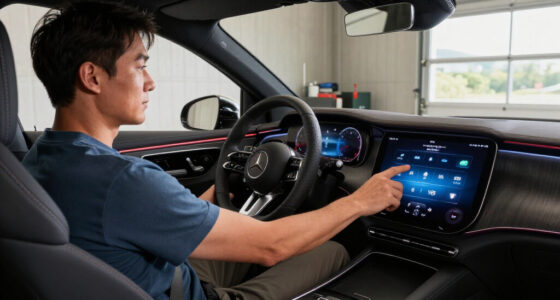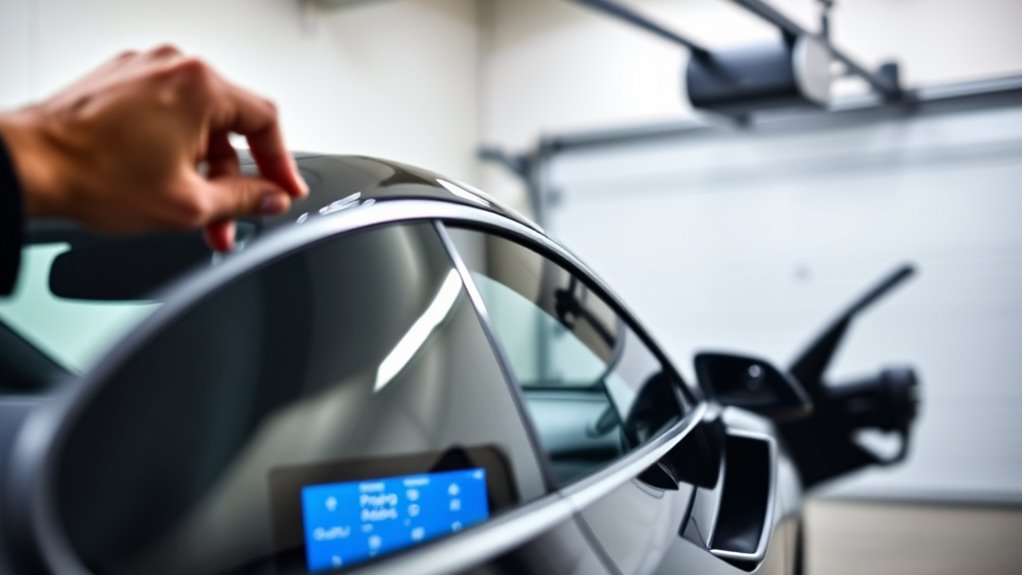

To sync your HomeLink system with your garage door, first make certain your remote and vehicle are in good working order. Press and hold the desired HomeLink button, then hold the garage door remote button until the indicator light changes or flashes. Next, press the “learn” button on your garage door opener and return to your vehicle to press the HomeLink button three times. If you need more detailed steps or troubleshooting tips, continue for a complete guide.

Get business pricing on garage and car supplies
- Business-only prices and quantity discounts
- Tax-exempt purchasing
- Multiple users, one account, clear invoices
Key Takeaways
- Verify vehicle compatibility and ensure remote control batteries are working before starting programming.
- Access HomeLink or vehicle’s onboard system and activate the pairing mode by pressing the designated button.
- Hold the vehicle’s HomeLink button and the garage remote button simultaneously until the indicator light flashes.
- Press the garage door’s “learn” or “smart” button to sync with HomeLink, following system-specific instructions.
- Test the setup by pressing the programmed button to confirm the garage door responds correctly.
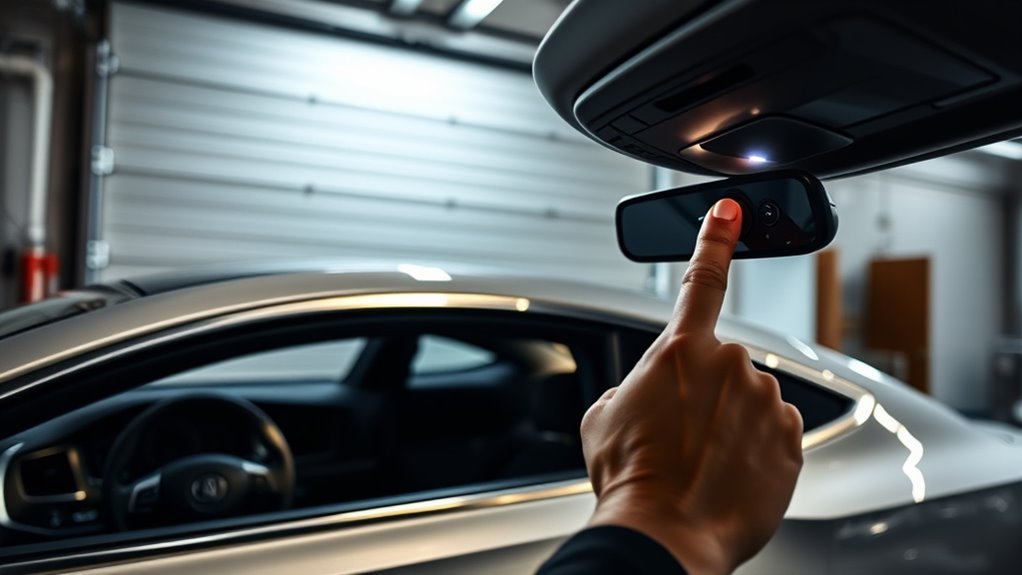
Have you ever struggled to open your garage door or gate with a remote that’s no longer working? It can be frustrating, especially when you’re in a hurry or trying to secure your home. Luckily, programming your home’s remote control to sync with your garage door or gate isn’t complicated, and it can save you time and hassle. Most modern garage door openers are compatible with universal remotes or integrated systems like HomeLink, which is built into many vehicles. The key is understanding the basic process of syncing your remote control with the garage system, which typically involves a few simple steps.
Programming your garage remote is simple and compatible with many systems, saving you time and frustration.
Before starting, make sure your remote control has working batteries and that you have access to your garage or gate control panel. Many garage door openers come with a “learn” or “smart” button, often located on the motor unit itself. This button is essential for the programming process. When you press this button, it temporarily puts the garage system into a pairing mode. Once in this mode, you’ll be able to sync your remote control or vehicle’s built-in system with the opener.
The process usually involves pressing and holding the button on your remote control or vehicle’s HomeLink system while simultaneously pressing the garage’s “learn” button. During this time, the garage system will recognize the remote control signal, and the lights on the garage door opener may flash to confirm a successful sync. Many systems also include safety features that prevent accidental operation or unauthorized access, such as rolling code technology. This means that each time you program a remote, the system generates a new code, making it more secure. These safety features are vital because they prevent burglars from using code grabbers to access your garage.
Once you’ve successfully programmed the remote control, test it by pressing the button to open or close your garage door. If it doesn’t respond immediately, repeat the process, ensuring you hold the buttons long enough and follow the correct sequence. Some systems may require a different procedure, so it’s a good idea to consult your garage opener’s manual. Remember, safety features are built into most systems to prevent accidents, so avoid programming multiple remotes without proper authorization, and always keep the remote in a secure place. Additionally, understanding nanotechnology can help you appreciate how advanced security features are evolving to protect your home from unauthorized access.
As an affiliate, we earn on qualifying purchases.
Frequently Asked Questions
Can I Program Multiple Garage Doors With Homelink?
Yes, you can program multiple garage doors with HomeLink. Most systems allow you to set up multiple buttons for different doors, making it easy to control all your garage openings from one device. To do this, you typically go through the programming process for each door individually, then assign each door to a specific button. This way, you can efficiently manage multiple doors with just your vehicle’s HomeLink system.
What Should I Do if My Homelink Isn’T Syncing?
Did you know that 60% of HomeLink users face syncing issues? If your HomeLink isn’t syncing, don’t worry. Start troubleshooting by checking the batteries in your garage door remote and ensuring your car’s key fob is close. Then, follow reprogramming steps like pressing the HomeLink button and the garage door remote simultaneously. If problems persist, consult your vehicle’s manual or seek professional help to resolve the issue quickly.
Is Homelink Compatible With All Car Models?
HomeLink offers universal compatibility across many car models, but it’s not compatible with all. Some older or specific models may face limitations due to their built-in electronics or software. Before attempting to sync, check your vehicle’s manual or the HomeLink website for compatibility details. If your car isn’t compatible, consider aftermarket solutions or upgrades, ensuring you find a reliable way to control your garage door seamlessly.
How Long Does the Programming Process Typically Take?
Think of programming your HomeLink as planting a seed; it usually takes just a few minutes. The typical programming duration for syncing your garage door opener ranges from 20 to 30 seconds per button. You press and hold, like nurturing growth, until the lights blink or you hear a click. Overall, expect the process to take around 1 to 2 minutes, making it a quick and straightforward task.
Can I Update or Change My Programmed Garage Door Later?
Yes, you can update or change your programmed garage door later. If your garage door compatibility changes or you get a remote control replacement, simply reprogram your HomeLink system. Most systems allow you to erase old codes and add new ones easily. Just follow the manufacturer’s instructions, ensuring your new remote or garage door opener is compatible, and you’ll be able to update your settings quickly and seamlessly.
As an affiliate, we earn on qualifying purchases.
Conclusion
Think of programming your HomeLink like planting a seed—once you nurture it with a little effort, it blossoms into a seamless connection between you and your garage. With patience and the right steps, you’re creating a bridge that makes your daily routine smoother. Soon, you’ll step into your car, press a button, and watch your garage door open effortlessly—turning a simple task into a routine as natural as a blooming flower.
As an affiliate, we earn on qualifying purchases.
vehicle garage door programming kit
As an affiliate, we earn on qualifying purchases.
As an affiliate, we earn on qualifying purchases.
Halloween Picks
halloween
As an affiliate, we earn on qualifying purchases.