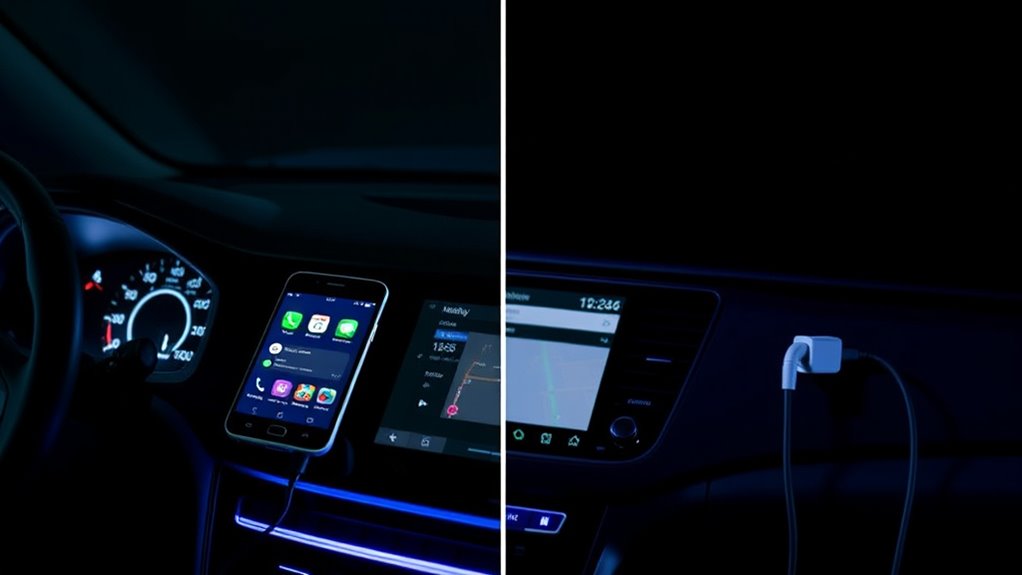

Wireless CarPlay and Android Auto offer convenience with cable-free setup, letting you control your phone through your car’s display while keeping your device in your pocket or bag. They support advanced features like screen mirroring and app access but can drain your phone’s battery faster and may experience connectivity issues or lag. Wired connections, on the other hand, provide a more reliable and quick response, ensuring stable navigation and music streaming. To find out which suits your driving style best, keep exploring these differences.

Get business pricing on garage and car supplies
- Business-only prices and quantity discounts
- Tax-exempt purchasing
- Multiple users, one account, clear invoices
Key Takeaways
- Wireless offers cable-free convenience and supports advanced features like screen mirroring, while wired connections provide more reliable, lag-free performance.
- Wired CarPlay/Android Auto ensure stable, quick response times ideal for critical navigation, whereas wireless may experience connectivity issues.
- Wired systems supply power directly to devices, saving battery, while wireless can drain phone batteries faster during extended use.
- Wireless setups support full screen mirroring and app flexibility, whereas wired connections focus on core app integration with fewer compatibility issues.
- Wireless is suitable for casual, minimal clutter driving, but wired is preferred for consistent, stable performance in areas with poor signal.
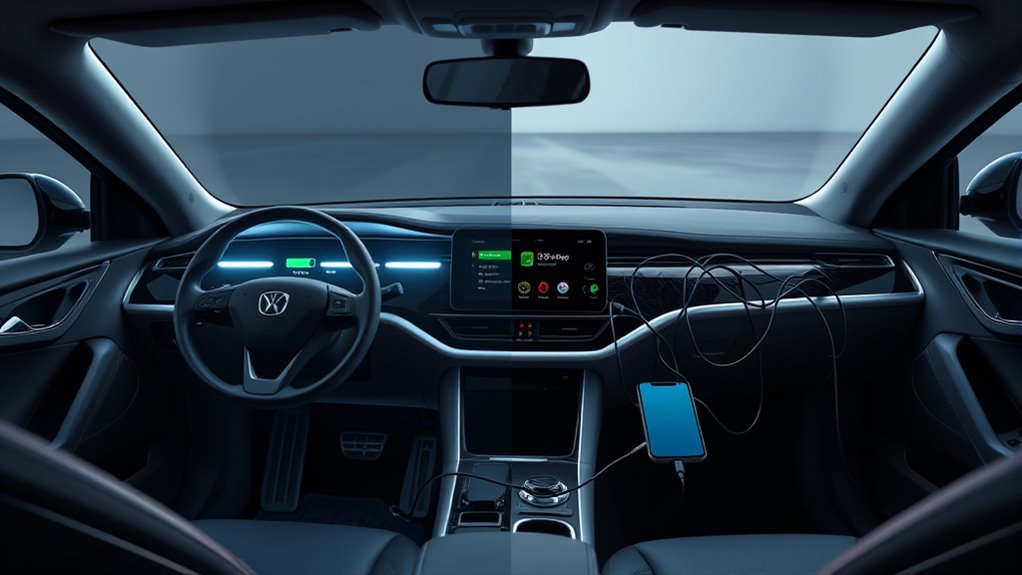
When it comes to connecting your smartphone to your car’s infotainment system, you often have the choice between wireless and wired CarPlay or Android Auto. Both options aim to give you seamless access to your apps, navigation, and media, but they do so in different ways. Wireless connections offer the convenience of a cable-free setup, allowing you to keep your phone in your pocket or bag while still controlling everything through your car’s display. Plus, wireless systems often support advanced features like screen mirroring, which displays your phone’s entire screen on the infotainment display. This can be especially useful if you want to access apps not officially supported by CarPlay or Android Auto, or if you need to show a specific app’s interface. Voice recognition also plays a key role here; with voice commands, you can control music, navigation, and calls without taking your hands off the wheel. Wireless systems tend to integrate voice recognition more smoothly, allowing you to say “Hey Siri” or “Hey Google” to activate commands, making your drive safer and more convenient.
Wired connections, however, are often more reliable, especially in areas with poor wireless signals. The direct connection ensures quicker response times, which is vital when using voice recognition for real-time commands or navigating complex routes. Additionally, wired setups don’t drain your phone’s battery as quickly as wireless ones can, since they provide power through the cable. Screen mirroring via a wired connection tends to be more stable, with less lag or interruption, ensuring your display remains synchronized with your device. This is particularly beneficial if you’re sharing your screen for navigation or entertainment purposes during longer drives. Furthermore, understanding the technology differences between wired and wireless systems can help you choose the best option for your needs.
As an affiliate, we earn on qualifying purchases.
Frequently Asked Questions
How Does Wireless Carplay/Android Auto Impact Smartphone Battery Life?
Wireless CarPlay or Android Auto can increase your smartphone’s battery drain because they rely on constant Bluetooth and Wi-Fi connections, which boost power consumption. As a result, your device may deplete its battery faster during use. To minimize this, you might want to keep your phone plugged in or disable wireless features when not needed. This way, you help reduce overall power consumption and extend your device’s battery life.
Are There Compatibility Issues With Older Vehicle Models?
You might face vehicle compatibility issues with older models when trying to use wireless CarPlay or Android Auto. Many older vehicles lack the necessary hardware or software to support these features, leading to retrofit challenges. Upgrading or installing aftermarket systems can be complicated and costly. Before attempting, check your vehicle’s compatibility to avoid surprises, and consider whether a wired connection might be a more straightforward, reliable option for your setup.
What Security Risks Are Associated With Wireless Connections?
Wireless connections pose security risks like unauthorized access, especially if data encryption isn’t strong. Hackers could intercept signals or access your device if encryption is weak. To protect yourself, verify your car’s system uses robust data encryption and keep software updated. Avoid connecting to unsecured networks and be cautious about pairing with unknown devices, as these steps help reduce the chances of security breaches during wireless Carplay or Android Auto use.
Can Wireless Carplay/Android Auto Be Used Simultaneously With Other Bluetooth Devices?
You can use wireless CarPlay or Android Auto alongside other Bluetooth devices, but it’s a bit like juggling—Bluetooth interference might cause connection stability issues. When multiple devices connect, signals can clash, leading to dropped connections or lag. To keep things smooth, limit the number of active Bluetooth gadgets, especially during critical drives. This way, you make certain your wireless connection stays reliable and you stay hands-free without interruptions.
How Do Updates and Firmware Affect Wireless Connectivity Performance?
Firmware updates play a vital role in improving wireless connectivity performance, especially for Carplay and Android Auto. They enhance signal stability by fixing bugs and optimizing the communication protocols between your device and your car’s system. Regularly updating your firmware guarantees your wireless connection remains reliable, reduces dropouts, and provides smoother performance. Keep your system up-to-date to enjoy consistent, stable wireless connectivity and prevent potential issues.
As an affiliate, we earn on qualifying purchases.
Conclusion
Whether you choose wireless or wired CarPlay and Android Auto, both options enhance your driving experience. Wireless setups offer convenience, while wired connections provide reliability. Did you know that over 60% of new cars now come equipped with these features? Ultimately, your choice depends on your preferences for ease or stability. Whichever you pick, embracing these technologies keeps your drive safer, smarter, and more connected.
Car infotainment system with screen mirroring
As an affiliate, we earn on qualifying purchases.
As an affiliate, we earn on qualifying purchases.
Bluetooth and Wi-Fi car connection kit
As an affiliate, we earn on qualifying purchases.
As an affiliate, we earn on qualifying purchases.
Fall Picks
fall essentials
As an affiliate, we earn on qualifying purchases.