
Before replacing your factory head unit, check its compatibility with your vehicle’s dashboard, features, and wiring. Think about upgrading sound quality with a good amplifier or subwoofer, and consider care with installation to avoid damaging your system. Make sure the new unit supports your desired features like Bluetooth, CarPlay, or Android Auto. Proper setup and calibration are key for the best experience. Keep exploring for more tips on ensuring a smooth upgrade.

Get business pricing on garage and car supplies
- Business-only prices and quantity discounts
- Tax-exempt purchasing
- Multiple users, one account, clear invoices
Key Takeaways
- Confirm compatibility of the new head unit with your vehicle’s dashboard size, mounting style, and features.
- Evaluate sound quality upgrades, such as adding amplifiers or subwoofers, to maximize audio performance.
- Ensure the head unit supports essential features like Bluetooth, CarPlay, Android Auto, and touchscreen controls.
- Consider installation complexity; some units require professional setup or advanced wiring skills.
- Verify that the new system integrates seamlessly with existing vehicle controls and wiring to prevent functionality issues.
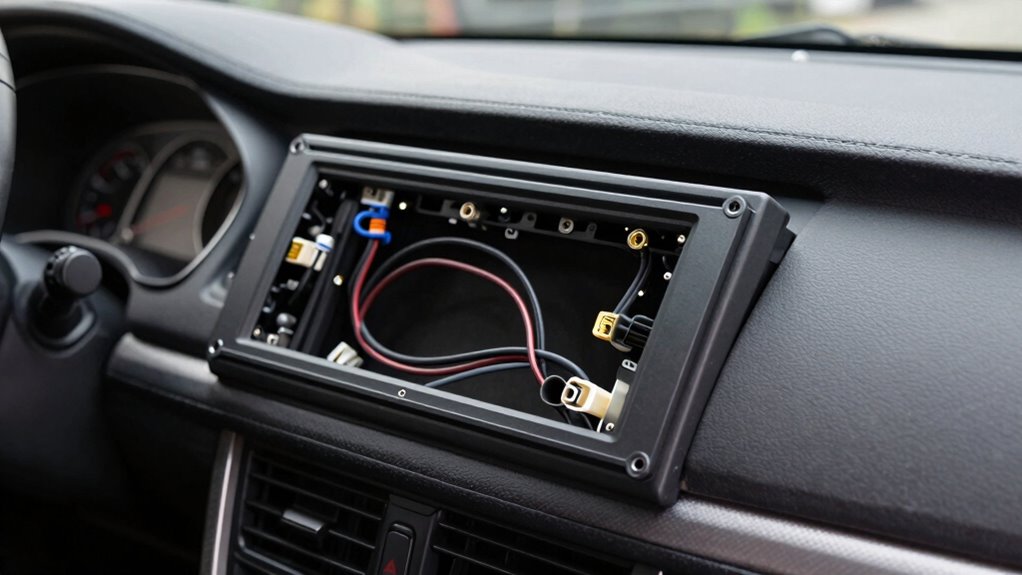
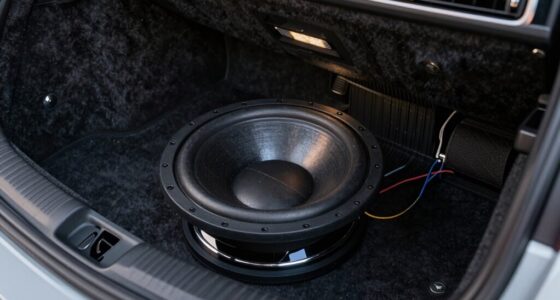
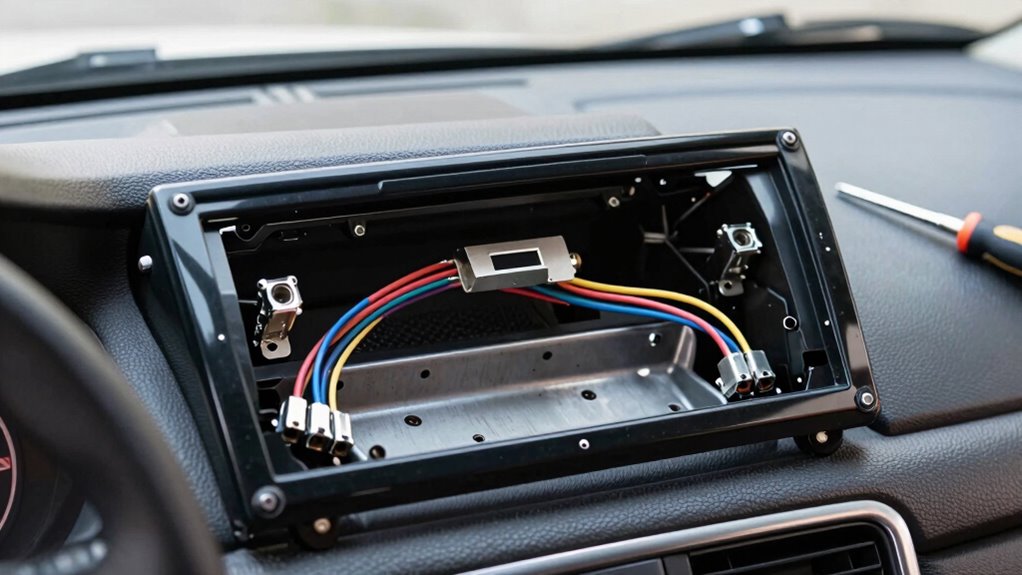
When it comes to sound quality, a new head unit can make a noticeable difference. Factory units often prioritize cost and simplicity over sound performance, so upgrading can unlock richer audio, clearer vocals, and improved overall clarity. You might even want to add a subwoofer or an amplifier to further boost sound quality, but keep in mind that your new head unit needs to support these components. You can also consider units with high-quality digital-to-analog converters (DACs) and enough power output to ensure you get the most out of your investment. It’s also worth noting that the digital features, like advanced equalizers and sound tuning options, can significantly refine your listening experience. Additionally, understanding sound calibration and how to optimize your system can further enhance audio performance. Proper system calibration can help achieve the best sound quality tailored to your vehicle’s acoustics. The installation process is another key factor to consider before replacing your factory head unit. While some units are designed for easy DIY installation, others may require more technical skills, especially if your vehicle has complex wiring or integrated features like steering wheel controls or backup cameras. Proper compatibility is essential to ensure all features function correctly and your system fits seamlessly into your vehicle’s dashboard. Verifying system compatibility beforehand can save time and prevent compatibility issues during installation. It’s also helpful to consult your vehicle’s manual or a professional to confirm that the unit matches the specific dashboard specifications of your vehicle. Compatibility is another crucial aspect to verify before buying a replacement head unit. You need to match the size and mounting style with your vehicle’s dashboard. Additionally, check that the unit supports your vehicle’s features, like Bluetooth, touchscreen controls, or Apple CarPlay/Android Auto. Failing to do so can lead to frustrating setup issues or functionalities that don’t work properly.
As an affiliate, we earn on qualifying purchases.
Frequently Asked Questions
Do I Need a Special Tool to Remove the Factory Head Unit?
You typically need installation tools like a car stereo removal kit or a plastic pry tool to remove the factory head unit. These tools help you avoid damaging the dashboard. Keep in mind, compatibility issues may arise if your new head unit isn’t designed for your vehicle’s specific make and model. So, confirm you have the right tools and verify compatibility before starting the replacement to make the process smoother.
Will Replacing the Head Unit Affect My Vehicle’s Warranty?
Replacing your head unit is like changing the heart of your car’s audio system—no, it typically won’t void your warranty if done correctly. However, if you skip proper audio calibration or dash integration, you might run into issues later. It’s wise to keep records of the work and consult your vehicle’s warranty terms. Doing so guarantees your upgrade enhances your ride without risking coverage.
Can I Retain the Factory Steering Wheel Controls?
Yes, you can retain your factory steering wheel controls when replacing the head unit, especially if you choose an aftermarket stereo with compatible wiring adapters. Many modern head units offer wireless compatibility and touchscreen features, making integration easier. However, you might need a specific wiring harness or control interface. Double-check compatibility beforehand to guarantee your steering wheel controls function seamlessly with your new stereo setup.
What Is the Typical Cost of Replacing a Factory Head Unit?
Replacing a factory head unit typically costs between $200 and $1,000, depending on the audio quality and features you want. You might face compatibility issues with your vehicle’s existing wiring or steering controls, which could add to the cost. Keep in mind, upgrading can greatly improve sound quality, but make certain the new unit matches your car’s specifications to avoid complications and ensure seamless integration.
How Long Does It Take to Install a New Head Unit?
Replacing a head unit typically takes about 1 to 3 hours. If you want wireless connectivity and aftermarket compatibility, it might extend slightly due to additional wiring or adapters needed. An experienced installer can often finish faster, especially if your vehicle is straightforward. Keep in mind, some installations are simple plug-and-play, while others require custom wiring, so the time varies based on your car’s setup and the features you want.
Bluetooth car head unit with Apple CarPlay
As an affiliate, we earn on qualifying purchases.
As an affiliate, we earn on qualifying purchases.
Conclusion
Replacing a factory head unit is like giving your car a fresh new voice, but remember, it’s not just about the upgrade—it’s about making sure everything fits and works smoothly. With a little patience and the right tools, you can turn this project into a satisfying DIY win. Think of it as tuning your ride’s soundtrack to match your style, creating a driving experience that’s truly music to your ears.
car amplifier and subwoofer package
As an affiliate, we earn on qualifying purchases.
As an affiliate, we earn on qualifying purchases.
vehicle dashboard stereo installation tools
As an affiliate, we earn on qualifying purchases.
As an affiliate, we earn on qualifying purchases.
Fall Picks
fall essentials
As an affiliate, we earn on qualifying purchases.