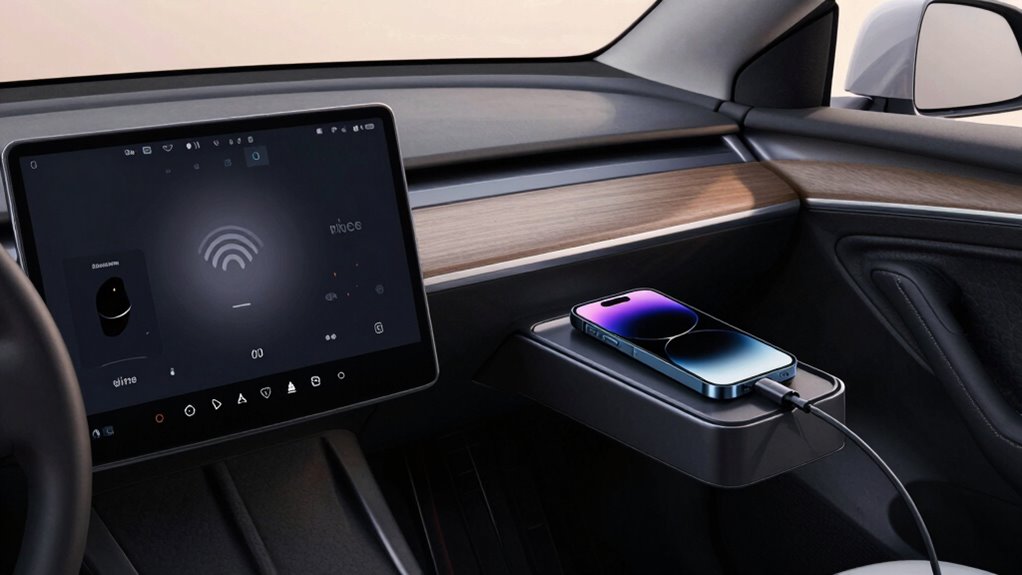

If you prioritize convenience and a tidy dashboard, wireless CarPlay offers a seamless, cord-free experience that automatically connects and keeps your car clutter-free. However, if reliability and battery life matter most on long drives, wired setups provide a more stable connection and better energy efficiency. Wireless technology is improving, but it still can have interruptions. To discover which setup suits your needs best, there’s more to evaluate below.

Get business pricing on garage and car supplies
- Business-only prices and quantity discounts
- Tax-exempt purchasing
- Multiple users, one account, clear invoices
Key Takeaways
- Wired CarPlay offers more stable and reliable connections ideal for long-term, consistent use.
- Wireless CarPlay provides convenience and a clutter-free experience, but may experience occasional signal disruptions.
- Wired setups are more energy-efficient, helping conserve device battery during extended drives.
- Wireless systems are improving but still face stability and interference issues compared to wired connections.
- Choice depends on prioritizing ease of use versus connection stability for long-term vehicle use.
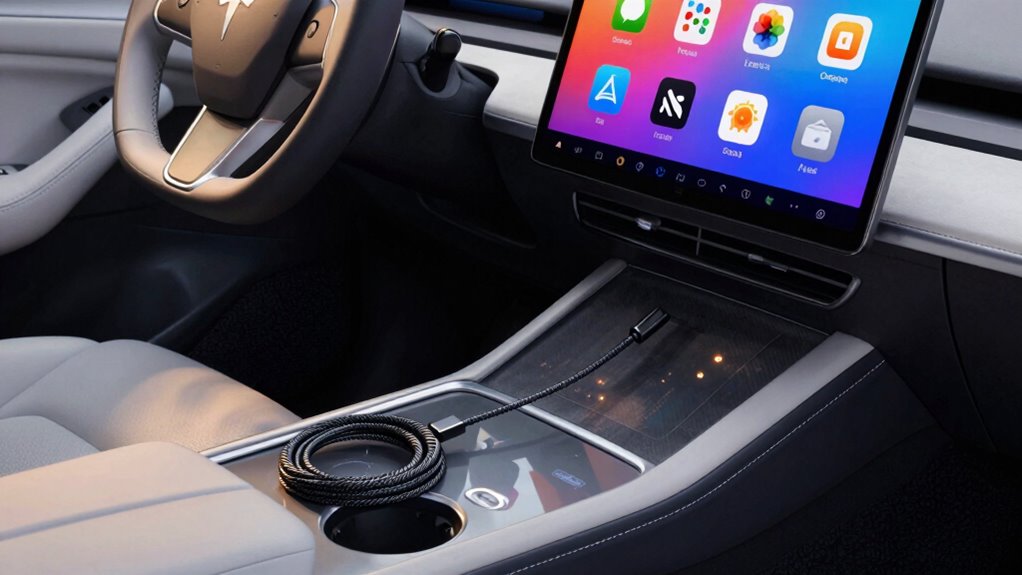
As technology continues to evolve, more drivers are weighing the benefits of wireless CarPlay versus traditional wired setups for long-term use. When evaluating which option suits your driving habits, it’s important to think about factors like battery efficiency and connection stability. Wireless CarPlay offers a cleaner, more streamlined experience—you won’t need to plug in every time you get into your car. Instead, your device connects automatically, allowing you to focus on the road without the distraction of cords. However, this convenience can come with trade-offs. For example, wireless connections rely heavily on Bluetooth and Wi-Fi signals, which can sometimes be less stable than a wired connection. If your connection isn’t stable, you might experience lag or dropouts, which can be frustrating during navigation or calls.
Battery efficiency is another key aspect to contemplate. Wireless CarPlay requires your phone to maintain a Bluetooth and Wi-Fi connection continuously, which can drain your battery faster than a wired setup. If you often go on long drives, you might find that your phone’s battery wears down quicker with wireless use, potentially requiring you to keep a charger handy. Conversely, wired setups don’t draw as much power from your device because the connection is direct and more energy-efficient. This means your phone’s battery lasts longer during extended trips, reducing the need for frequent recharging. Additionally, maintaining a stable connection is crucial for a seamless experience, and this is where wired setups tend to excel. A wired connection provides a direct link between your phone and the car’s infotainment system, ensuring a more reliable and consistent signal. You’re less likely to encounter interruptions, lag, or disconnections, making it ideal if you rely heavily on navigation, music, or hands-free calls while driving. Wireless CarPlay, while improving steadily, can still be affected by interference from other wireless devices or obstacles within the vehicle. The technological infrastructure involved in wireless setups is continuously advancing, but it still may not match the reliability of wired connections in all scenarios. As advancements in wireless technology continue, some of these issues might diminish over time, but current setups still vary in performance depending on conditions.
Furthermore, connection stability can significantly influence your overall experience, especially during critical moments like navigation or calls. Ultimately, your choice depends on how you prioritize convenience versus reliability. If you prefer a clutter-free dashboard and don’t mind occasional connection hiccups, wireless CarPlay might be the better long-term option. But if you need a stable, energy-efficient connection for frequent or longer drives, sticking with a wired setup could serve you better. Both have their advantages, but understanding the impact on battery efficiency and connection stability will help you make an informed decision tailored to your driving needs.
As an affiliate, we earn on qualifying purchases.
Frequently Asked Questions
How Does Signal Interference Affect Wireless Carplay Reliability?
Signal interference can greatly impact Wireless CarPlay reliability by disrupting signal stability. Interference sources like Wi-Fi networks, Bluetooth devices, and electronic gadgets may cause dropouts or lag during use. You might notice your connection becomes less stable when you’re near multiple devices or crowded areas. To improve performance, minimize interference sources, keep your device and car system away from electronic clutter, and guarantee your wireless connection remains strong and clear for consistent use.
Are There Additional Costs for Upgrading to Wireless Carplay?
Think of upgrading to wireless CarPlay as opening a new door. You’ll likely face upgrade costs, which cover installing compatible hardware and software. Some systems may also involve subscription fees for ongoing updates or premium features. While these costs can seem like a toll, they grant you the freedom of wireless connectivity. Weigh these expenses against the convenience and long-term benefits of a seamless, cable-free experience.
Can Wireless Carplay Be Used Simultaneously With Other Bluetooth Devices?
Yes, you can use Wireless CarPlay simultaneously with other Bluetooth devices, but device compatibility and connection stability matter. Some vehicles and smartphones handle multiple Bluetooth connections well, allowing you to stream music or use hands-free calls alongside Wireless CarPlay. However, in certain cases, multiple connections may cause interference or reduce connection quality. It’s best to check your device specifications to guarantee smooth performance and avoid disruptions during long-term use.
What Are the Security Implications of Wireless Carplay?
Think of wireless CarPlay as a secret garden where your data dances in the breeze. While it offers convenience, it also opens doors to privacy concerns. Data encryption acts as your digital lock, safeguarding your conversations and navigation. But, vulnerabilities exist if security measures falter, making it essential to stay vigilant. You’re the gatekeeper, ensuring your wireless connection remains a protected haven for your personal information.
How Does Battery Life Impact Wireless Carplay Usage?
Battery life impacts your wireless CarPlay experience because it causes battery drain, especially during extended use. You might find your phone’s battery depleting faster, requiring frequent charging. To avoid interruptions, keep your device charged or connected to a power source, which minimizes charging requirements during long drives. This guarantees seamless connectivity without worrying about your phone running out of power, allowing you to focus on your journey.
As an affiliate, we earn on qualifying purchases.
Conclusion
Ultimately, whether you choose wireless or wired CarPlay, think of your setup as a trusted companion on your journeys. Wireless offers the freedom of a seamless connection, like a breeze whispering through open windows, while wired provides a steady, reliable anchor, like a sturdy ship tethered to the dock. Picture yourself cruising down the highway, your favorite tunes and navigation effortlessly at your fingertips—each setup shaping your drive into a smooth, personalized voyage.
As an affiliate, we earn on qualifying purchases.
As an affiliate, we earn on qualifying purchases.
Fall Picks
fall essentials
As an affiliate, we earn on qualifying purchases.