To set up a safer trailer or rear camera view, start by choosing a spot that provides a clear, unobstructed look at the area behind your vehicle, minimizing blind spots. Adjust the camera angle so it views the immediate vicinity, tilting downward if needed for better clarity. Keep the lens clean, and test the view from your driver’s seat to guarantee accuracy. For more tips on ideal adjustments and safety checks, keep exploring the details ahead.
Key Takeaways
- Position the camera at a height and angle that minimize blind spots and provide a clear, unobstructed rear view.
- Adjust the camera tilt downward to focus on the immediate behind-vehicle area for accurate obstacle detection.
- Ensure proper lighting conditions, and reposition the camera if glare or reflections hinder visibility.
- Keep the lens clean and regularly test the camera to maintain optimal image clarity and coverage.
- Verify the camera view from the driver’s seat, ensuring it accurately represents the real rear perspective.
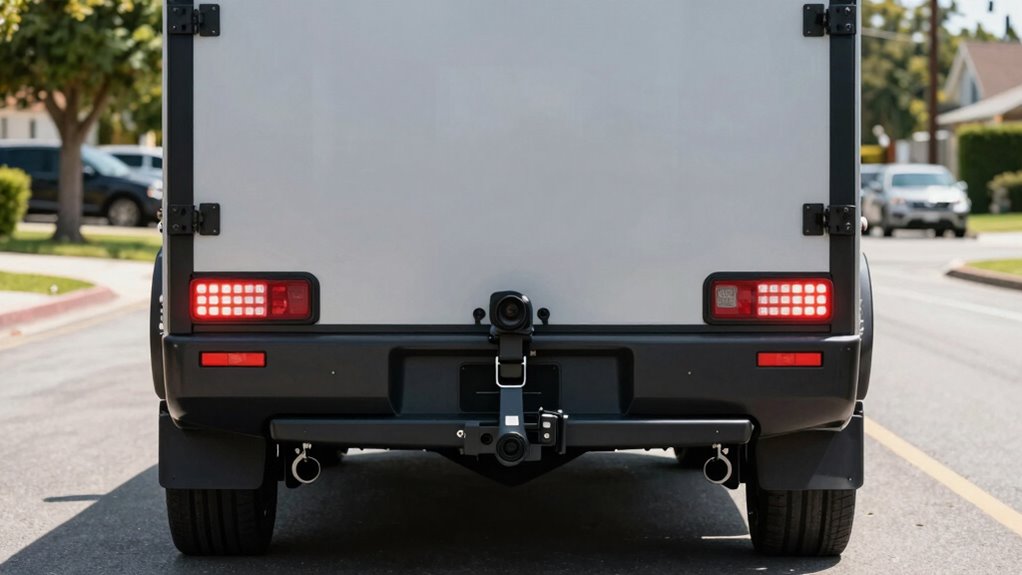
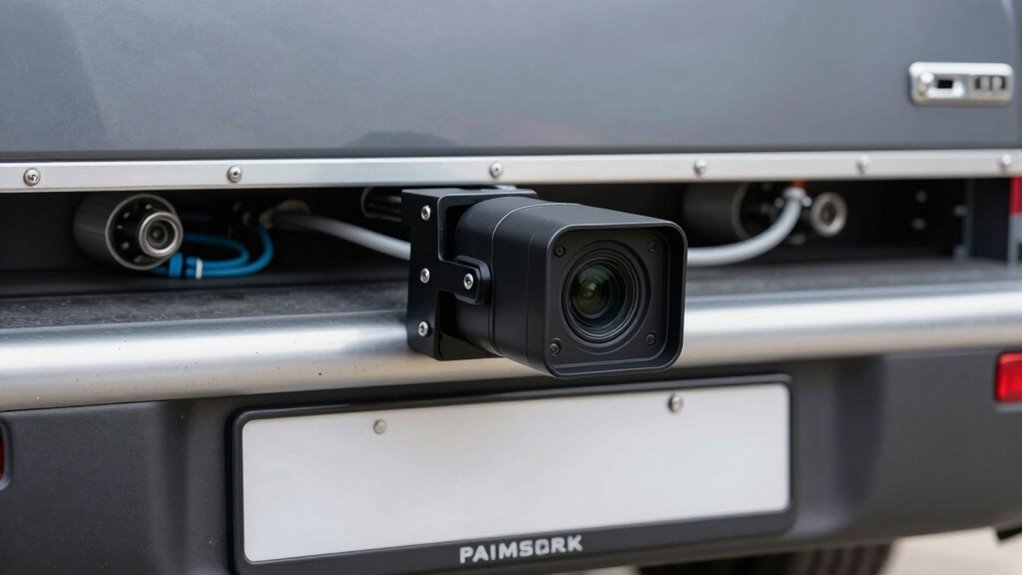
Installing a trailer or rear camera can considerably improve your safety on the road, but setting it up correctly is vital to get the best results. A well-positioned camera helps you spot obstacles, pedestrians, or vehicles in your blind spots, making reversing and maneuvering much safer. To achieve this, focus on two essential aspects: blind spot reduction and camera angle adjustment. Properly reducing blind spots means positioning the camera so you have a clear, unobstructed view of what’s behind your vehicle and trailer, especially in areas that are typically hidden from your mirrors. You might need to experiment with different mounting heights and angles until you find the setup that provides the widest, most accurate view. Remember, the goal is to minimize blind spots so you can see objects or people that are otherwise out of your direct line of sight. Additionally, camera positioning plays a crucial role in ensuring you get the optimal view and avoid unnecessary adjustments later on. Ensuring the camera view aligns with your actual line of sight can significantly improve your overall safety. Next, pay careful attention to camera angle adjustment. Adjust the camera so that the image displayed on your monitor offers a realistic perspective of what’s directly behind you. This means tilting or angling the camera slightly downward to focus on the area immediately behind your vehicle, rather than distant objects or sky. Proper camera angle adjustment prevents distorted images that can mislead your perception, which is vital for judging distances accurately. When you make adjustments, check the view from your driver’s seat to ensure it aligns with your actual line of sight and that important objects are clearly visible and not distorted. Additionally, lighting conditions should be considered during setup, since glare or reflections can interfere with visibility and may require repositioning or camera adjustments. Remember, the goal isn’t just a broad view but an accurate one that helps you make precise decisions when reversing or navigating tight spaces. Additionally, consider the camera maintenance to keep the lens clean and free of dirt, which can cause blurry images and reduce overall visibility. Regularly test your setup after installation and whenever you make adjustments, especially before long trips or after mounting changes. Confirm that your camera provides a clear, complete view with minimal blind spots and that the camera angle adjustment offers an accurate representation of what’s behind you. Proper setup not only enhances blind spot reduction but also boosts your confidence when reversing, parking, or towing, making your journeys safer for everyone on the road.

1080P HD Wireless Backup Camera: 1-Min Magnetic Easy Install No Wiring 7" Anti-Glare Monitor with Clear Night Vision – 24H Long Life Solar Scratch-Proof Rear View Camera for Truck Trailer SUV Small RV
1 MINUTE MAGNETIC QUICK INSTALL: This backup camera for truck features a base with 6 powerful magnets made…
As an affiliate, we earn on qualifying purchases.
As an affiliate, we earn on qualifying purchases.
Frequently Asked Questions
Can I Install a Trailer Camera Myself or Need Professional Help?
You can definitely do a DIY installation of a trailer camera if you’re comfortable with basic wiring and vehicle electronics. Many systems come with detailed instructions, making it manageable for handy individuals. However, if you’re unsure about wiring, connections, or safety concerns, seeking professional assistance is wise. Professionals ensure proper installation, avoiding potential damage or functionality issues, and provide peace of mind that your trailer camera works reliably and safely.
What Is the Average Cost of a Quality Trailer Camera System?
The average cost of a quality trailer camera system ranges from $100 to $300. You’ll need to think about camera placement, ensuring it’s positioned for a clear view, and power sources, like wiring or batteries, to keep it running. Investing in a reliable system may cost a bit more but offers better durability and clarity, making your setup safer and more effective. Keep these factors in mind when budgeting for your trailer camera.
How Do I Ensure My Camera’s Weather Resistance and Durability?
To guarantee your camera’s weather resistance and durability, start with weatherproofing tips like sealing all ports and using waterproof housing. Regular durability testing helps identify potential weaknesses, so check the camera periodically for signs of wear or damage. Choose cameras with an IP65 or higher rating for better weatherproofing, and consider additional protective covers for extreme conditions. Proper maintenance ensures your camera stays reliable, rain or shine.
Will a Trailer Camera Affect My Vehicle’s Warranty?
Ever wondered if a trailer camera affects your vehicle’s warranty? Generally, adding a camera won’t impact your warranty if you follow proper installation guidelines. To avoid warranty implications, make sure you install the camera correctly, avoiding any modifications to critical systems. Always check your vehicle’s warranty terms beforehand, and consider professional installation. This way, you enjoy enhanced safety without risking warranty issues or voiding your coverage.
How Often Should I Check and Maintain the Camera System?
You should check and maintain your camera system regularly, ideally every few weeks or after rough drives. Start by cleaning the camera lens with a soft cloth to guarantee clear images. Also, keep the software updated to fix bugs and improve functionality. Regularly inspecting the system helps you catch issues early, ensuring your rear view stays clear and reliable, which enhances safety while towing.

HD 1080P Backup Camera Plug & Play: Easy to Install in 15 Minutes Starlight Night Vision for Backing Up Safely in the Dark – Real-time Image Zero lag Rear View Camera with Monitor for Cars Trucks SUVs
PLUG AND PLAY: The backup camera for car takes only 15 minutes from start to finish installation, just…
As an affiliate, we earn on qualifying purchases.
As an affiliate, we earn on qualifying purchases.
Conclusion
By following these setup tips, you can considerably improve your rear visibility and safety while towing. Imagine backing into a tight driveway and noticing a small child’s bike you might have missed without the camera—preventing potential accidents. Properly positioning and testing your trailer or rear camera isn’t just about convenience; it’s about protecting everyone around you. Take the time to set it up right, and enjoy safer, more confident towing every time.

The…Cam Trail Camera Mount Kit – 6 Pack (3 Metal Mounts + 3 Straps), 360° Adjustable Tree & Wall Mount for Hunting & Security Cameras
COMPLETE 6-PIECE CAMERA MOUNTING KIT – Includes 3 EasyHow-PRO screw-in adjustable holders and 3 EasyStrap reinforced nylon straps….
As an affiliate, we earn on qualifying purchases.
As an affiliate, we earn on qualifying purchases.
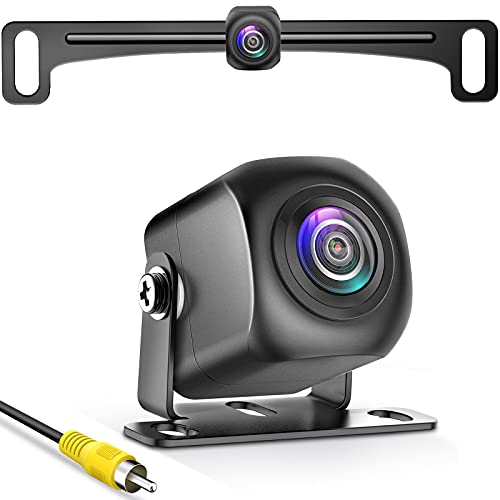
PixelMan Backup Camera,AHD 1080P Metal 170 Degree Wide Angle Rearview Reversing Camera,PMD2A-S Clear Night Vision IP69 Waterproof Reverse Rear View Camera for Car Vehicle SUV RV
【Continuous Upgraded 1080P AHD Backup Camera】After launching three car backup cameras, PixelMan further upgrade and launch the new…
As an affiliate, we earn on qualifying purchases.
As an affiliate, we earn on qualifying purchases.