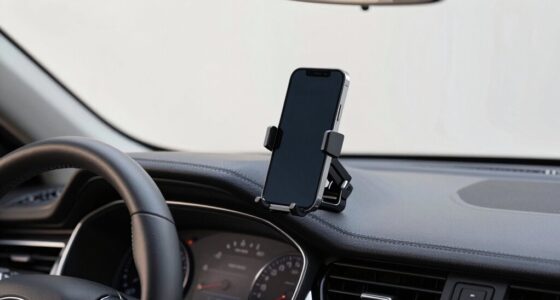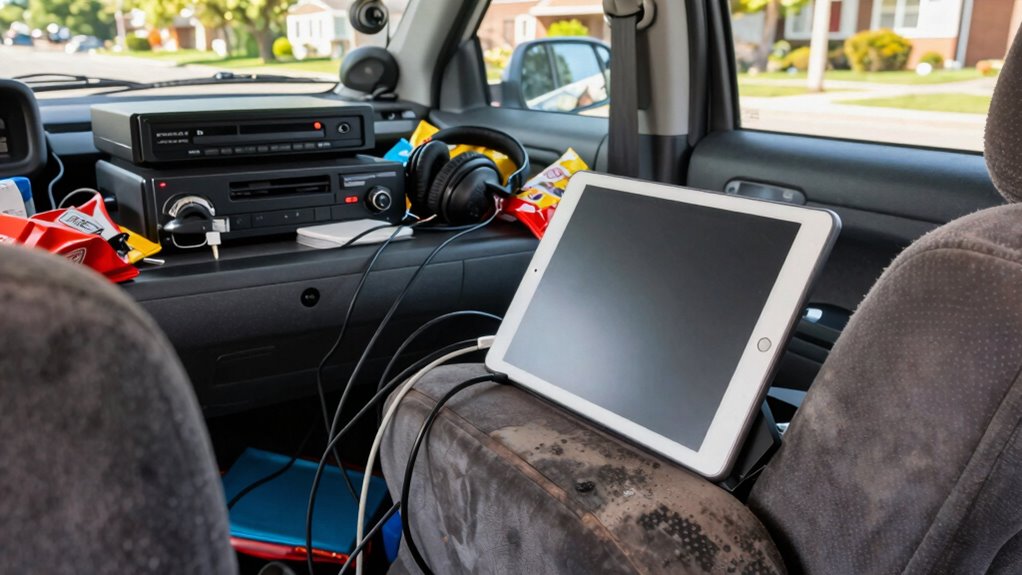

Many families make common rear seat entertainment setup mistakes, like using unreliable power sources, placing screens at uncomfortable angles, and failing to securely mount devices. Tangled wires and poor organization can cause safety hazards and distractions. Skipping system tests may lead to unexpected glitches during travel. Proper planning and attention to detail can prevent these issues, ensuring a smoother, safer, and more enjoyable ride. Keep going to discover how to set up your system the right way.

Get business pricing on garage and car supplies
- Business-only prices and quantity discounts
- Tax-exempt purchasing
- Multiple users, one account, clear invoices
Key Takeaways
- Using inadequate power sources or unreliable adapters causes device shutdowns and interruptions during travel.
- Improper screen placement leads to poor visibility and discomfort for passengers.
- Tangled wiring and unstable mounts create safety hazards and clutter inside the vehicle.
- Skipping system testing results in technical issues that disrupt entertainment during trips.
- Lack of planning for power, placement, and wiring causes avoidable frustrations and distractions.
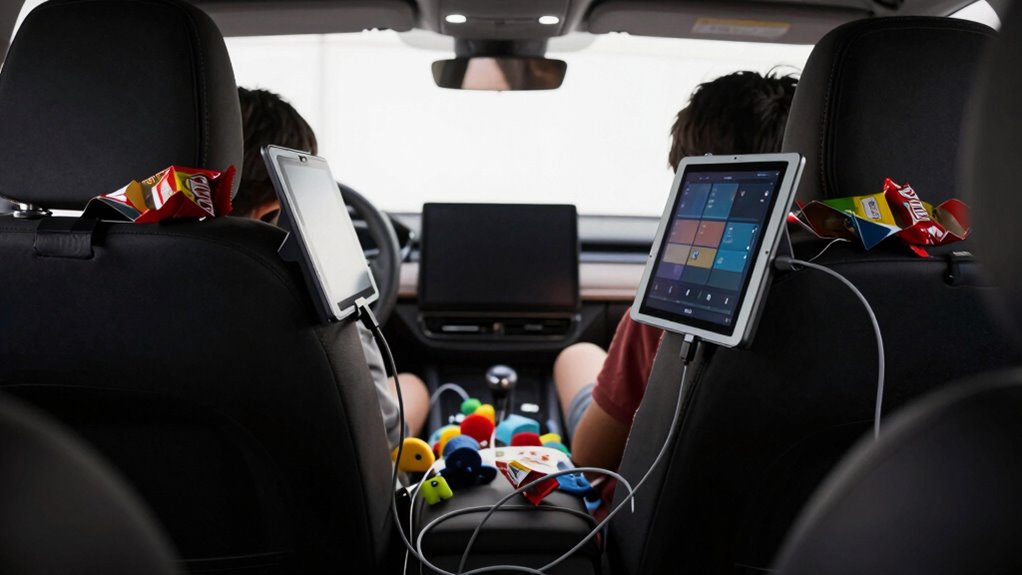
Setting up rear seat entertainment systems can seem straightforward, but many families make common mistakes that hinder the experience for everyone. One of the biggest issues is relying on inadequate power sources. If you don’t have a proper power outlet or if the outlets are inconveniently placed, your devices might keep shutting off or not charge at all. This can lead to constant frustration, especially on long trips. Instead of using unreliable adapters or makeshift charging setups, invest in a dedicated power inverter or a car charger compatible with your devices. Ensuring a steady power supply keeps screens on and content flowing, preventing interruptions that can spoil the ride. Additionally, understanding the history of technological advancements can help you choose better entertainment solutions that suit your vehicle’s setup. For example, newer devices might support faster charging or more reliable connections, enhancing your overall experience. Awareness of power source requirements can guide you in selecting the most effective options for your specific setup.
Another frequent mistake is poor screen placement. When screens are mounted too high, too low, or off to the side, viewers struggle to see clearly or experience discomfort. You might find yourself constantly adjusting the screens or hearing complaints from your kids about neck strain. To avoid this, choose a mounting spot that offers a clear, direct line of sight for everyone in the back seats. Consider adjustable mounts that let you tilt or rotate the screen for optimal viewing angles. Proper placement not only enhances comfort but also minimizes distractions for the driver, keeping everyone safer on the road.
Many families overlook the importance of planning the wiring and mounting setup beforehand. Tangled cords and unstable mounts can turn what should be a simple entertainment system into a chaotic mess. Secure the wiring neatly along the headliner or side panels and use quality mounts that hold the screens firmly in place. This prevents accidental dislodging during sharp turns or sudden stops, which can be dangerous and disruptive. Moreover, neat wiring can help avoid accidental disconnections or damage, prolonging the lifespan of your entertainment system. A well-organized setup can also make future upgrades or adjustments much easier.
Another common oversight is not testing the system thoroughly before hitting the road. You might set everything up at home and assume it will work flawlessly, but in reality, compatibility issues or technical glitches often surface only after you’re on the move. Always test all devices, connections, and features in advance. Check the screen clarity, sound quality, and power supply to ensure everything functions smoothly. This way, you can troubleshoot or make adjustments ahead of time, avoiding in-vehicle frustrations. Additionally, testing beforehand can reveal potential issues related to device compatibility, saving you from surprises during your trip. Conducting a comprehensive test can also help you familiarize yourself with the system’s controls, making usage more intuitive during travel.
Ultimately, avoiding these mistakes—using proper power sources, choosing the right screen placement, organizing wiring securely, and testing beforehand—can dramatically improve your rear seat entertainment experience. With a little planning and attention to detail, your family can enjoy a smooth, enjoyable ride filled with entertainment and minimal hassle.
car rear seat entertainment system
As an affiliate, we earn on qualifying purchases.
As an affiliate, we earn on qualifying purchases.
Frequently Asked Questions
How Do I Choose the Best Rear Seat Entertainment System?
You should prioritize choosing a rear seat entertainment system with user-friendly features like rear seat tablets and compatibility with wireless headphones. Look for a system with a durable, easy-to-clean screen, long battery life, and a variety of content options. Make certain it’s compatible with your devices and has good sound quality. Opting for wireless headphones enhances comfort and minimizes cable clutter, making the experience more enjoyable for everyone.
What Safety Considerations Are There With Rear Seat Screens?
You should prioritize screen placement to guarantee it doesn’t distract the driver or obstruct your view. Keep screens out of the driver’s line of sight to prevent accidents. For child safety, use screens with sturdy mounts, avoid placing them where children can grab or fall, and activate child locks if available. Always supervise children during use, and ensure screens don’t interfere with seat belts or airbags for a safer ride.
How Can I Keep Children Entertained During Long Trips?
To keep children entertained during long trips, you can offer travel snacks to keep them fueled and engaged. Play car games like “I Spy” or “20 Questions” to pass the time and encourage interaction. Bringing along their favorite audiobooks or music playlists also works well. These activities reduce boredom, keep everyone happy, and make the trip more enjoyable for your kids and you.
What Are Common Technical Issues With Rear Seat Entertainment?
Think of your rear seat entertainment system as a delicate dance—any misstep can cause a stumble. Common issues include wireless connectivity problems, where signals drop like a faulty dance partner, and screen glare that blights the view like harsh stage lights. To keep the show running smoothly, make certain devices stay connected and screens are properly adjusted to minimize glare. Regular troubleshooting keeps your entertainment system performing flawlessly, turning car rides into enjoyable performances.
How Do I Integrate New Devices With Existing Car Systems?
To integrate new devices with your existing car systems, start by checking wireless connectivity options like Bluetooth or Wi-Fi to ensure seamless pairing. Make sure your devices are compatible with your car’s entertainment system; consult the manufacturer’s guidelines. You may need adapters or updates. Follow installation instructions carefully, and test the connection before your trip to prevent glitches. This approach guarantees smooth integration and a better in-car entertainment experience.
As an affiliate, we earn on qualifying purchases.
Conclusion
By avoiding these common rear seat entertainment setup mistakes, you guarantee a safer, more enjoyable journey. You prioritize simplicity over complexity, comfort over clutter, and safety over distraction. You choose quality over quantity, preparation over surprise, and peace of mind over frustration. When you pay attention to these details, you create a travel experience that’s seamless, stress-free, and full of family moments. In the end, it’s about making every ride memorable for all the right reasons.
As an affiliate, we earn on qualifying purchases.
rear seat entertainment wiring kit
As an affiliate, we earn on qualifying purchases.
As an affiliate, we earn on qualifying purchases.
Halloween Picks
halloween
As an affiliate, we earn on qualifying purchases.