
The OBD-II port isn’t just for basic diagnostics; it lets you access and clear trouble codes, helping you spot issues early. You can monitor real-time data like engine temperature and RPM to optimize performance and fuel efficiency. It also enables customization of hidden features or activation of special functions for a more personalized driving experience. Plus, you can use it as a portable scanner with the right tools. Keep exploring, and you’ll discover even more powerful uses.
Key Takeaways
- Access and clear Diagnostic Trouble Codes (DTCs) to troubleshoot vehicle issues and maintain emissions compliance.
- Monitor real-time engine data like RPM and coolant temperature for performance tuning and fuel efficiency.
- Customize vehicle features and unlock hidden functions using software modifications via the OBD-II port.
- Perform proactive maintenance by early detection of problems, reducing emissions and extending vehicle lifespan.
- Support eco-friendly vehicle management by optimizing diagnostics, improving fuel economy, and minimizing environmental impact.

ANCEL AD310 Classic Enhanced Universal OBD II Scanner Car Engine Fault Code Reader CAN Diagnostic Scan Tool, Read and Clear Error Codes for 1996 or Newer OBD2 Protocol Vehicle (Black)
CEL Doctor: The ANCEL AD310 is one of the best-selling OBD II scanners on the market and is…
As an affiliate, we earn on qualifying purchases.
As an affiliate, we earn on qualifying purchases.
Access and Clear Diagnostic Trouble Codes
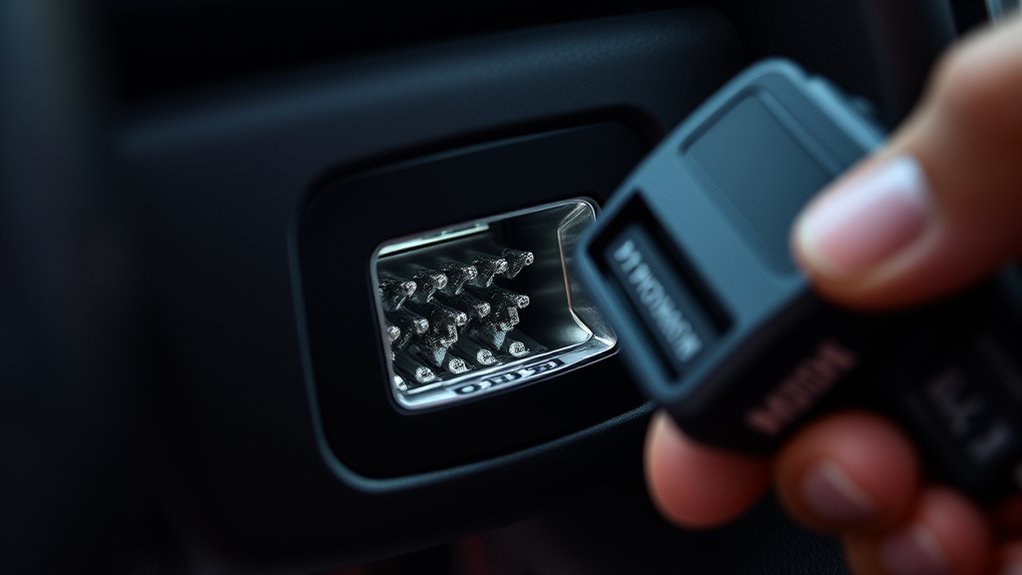
To access and clear diagnostic trouble codes (DTCs), you need an OBD-II scanner that connects to your vehicle’s port. When you do this, you can see if there are any issues affecting your vehicle’s emission testing or overall performance. Clearing DTCs resets the vehicle’s onboard computer, which can help you quickly address problems and see if repairs are successful. Checking DTCs also provides insight into your vehicle’s history, revealing recurring issues or past malfunctions. This information is valuable for maintaining your car’s reliability and ensuring it passes emissions tests. Using an OBD-II scanner makes troubleshooting straightforward, giving you control over your vehicle’s health and helping you avoid costly repairs or failed emissions inspections. Additionally, understanding vehicle diagnostics can empower you to make informed decisions about repairs and maintenance, especially when combined with knowledge about diagnostic trouble codes and what they signify. Recognizing the importance of contrast ratio and other display qualities can further aid in interpreting the visual feedback from diagnostic displays, enhancing your troubleshooting skills. Utilizing display technology within diagnostic tools can improve readability and accuracy when analyzing data.

BlueDriver Pro Next Gen OBD2 Scanner – No Subscription, Bluetooth Car Code Reader for iPhone & Android – Diagnose 8000+ Issues, ABS SRS TPMS, Repair Reports, Vehicles 1996+
[Diagnose Like a Pro] BlueDriver Pro Next-Gen is a professional OBD2 scanner and diagnostic tool that helps you…
As an affiliate, we earn on qualifying purchases.
As an affiliate, we earn on qualifying purchases.
Monitor Real-Time Vehicle Data
Once you’ve accessed and cleared diagnostic trouble codes, you can take a closer look at your vehicle’s real-time data. This allows you to monitor parameters like engine RPM, coolant temperature, and oxygen sensor readings. With this information, you can enhance engine tuning for better performance or fuel efficiency. It also helps during emission testing, ensuring your vehicle meets environmental standards by tracking emissions-related data in real-time. By understanding these live data streams, you gain insight into how your vehicle operates under various conditions, enabling proactive maintenance and troubleshooting. Using an OBD-II scanner or compatible app, you can keep a close eye on your vehicle’s health without visiting a mechanic. This real-time monitoring empowers you to make informed decisions and maintain top vehicle performance, especially when paired with proper tool maintenance and safe operating procedures. Additionally, understanding emission-related data can help you identify potential issues that might cause your vehicle to fail inspections or emit excessive pollutants. Regularly reviewing your vehicle’s sensor readings can further aid in early detection of problems before they develop into costly repairs. Being aware of sensor accuracy and calibration can improve the reliability of your diagnostics. To optimize your vehicle’s performance, consider the calibration status of your sensors, which affects data accuracy and diagnostic results.
ANCEL AD310 Classic Enhanced Universal OBD II Scanner Car Engine Fault Code Reader CAN Diagnostic Scan Tool, Read and Clear Error Codes for 1996 or Newer OBD2 Protocol Vehicle (Black)
CEL Doctor: The ANCEL AD310 is one of the best-selling OBD II scanners on the market and is…
As an affiliate, we earn on qualifying purchases.
As an affiliate, we earn on qualifying purchases.
Customize and Enable Hidden Features

Have you ever wondered if your vehicle has hidden features that can be accessed or customized? Using your OBD-II port, you can perform software customization to unlock or tweak certain functions. Many vehicles hide features like remote window control, door lock settings, or dashboard displays that aren’t available through standard controls. By connecting a compatible scanner or tuner, you can activate these features through simple feature activation techniques. This process often involves modifying the vehicle’s software coding or settings stored within the ECU. Keep in mind, though, that not all features are accessible on every model, and some changes may void warranties. But if you’re tech‑savvy, exploring these options can personalize your driving experience without needing to visit a dealership. Additionally, understanding the potential for energy-efficient updates can help you optimize your vehicle’s performance while reducing environmental impact. Being aware of software customization options can also lead to improvements in vehicle safety and efficiency, as well as cost savings over time. Exploring manufacturer-specific tools can further expand the range of features you can safely modify. Learning about ECU tuning can also enhance your vehicle’s overall performance and longevity.
BlueDriver Pro Next Gen OBD2 Scanner – No Subscription, Bluetooth Car Code Reader for iPhone & Android – Diagnose 8000+ Issues, ABS SRS TPMS, Repair Reports, Vehicles 1996+
[Diagnose Like a Pro] BlueDriver Pro Next-Gen is a professional OBD2 scanner and diagnostic tool that helps you…
As an affiliate, we earn on qualifying purchases.
As an affiliate, we earn on qualifying purchases.
Improve Fuel Efficiency and Performance

Connecting to your vehicle’s OBD-II port allows you to access real-time data and make adjustments that can boost fuel efficiency and performance. By monitoring factors like air-fuel ratio, throttle response, and engine temperature, you can identify issues that reduce fuel economy. Performance tuning via OBD-II tools enables you to optimize your engine’s settings, improving acceleration and power delivery. Simple modifications, such as adjusting fuel trims or updating engine parameters, can lead to noticeable gains in efficiency and responsiveness. Regularly reviewing diagnostic data helps you catch problems early, preventing fuel wastage and maintaining peak performance. Understanding engine diagnostics and how to interpret OBD-II data empowers you to make informed adjustments that enhance your vehicle’s operation. With the right tools, you can fine-tune your vehicle for better mileage and a smoother driving experience, all through your OBD-II port. Additionally, exploring vehicle telematics can provide insights into driving habits and maintenance needs, further supporting optimal performance. Moreover, many modern vehicles are equipped with advanced onboard systems that can communicate with OBD-II scanners to provide even more detailed information for performance optimization. Utilizing professional-grade tools can help you achieve more precise tuning results and better overall vehicle health. In addition, understanding vehicle-specific parameters can help tailor adjustments more accurately to your vehicle’s unique needs.
Use as a Portable Car Scanner
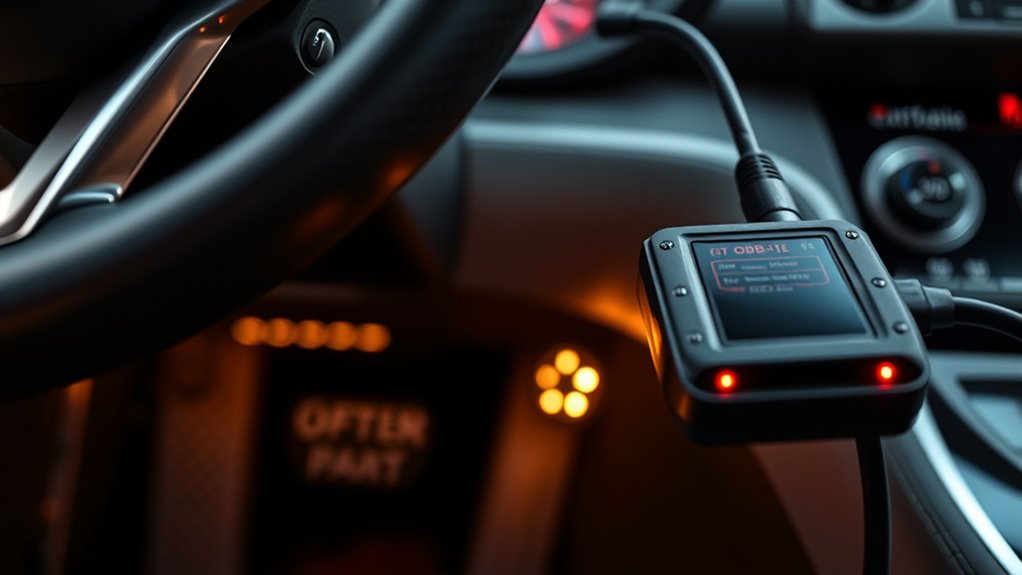
Using your OBD-II port as a portable scanner transforms your vehicle into a handy diagnostic tool you can take anywhere. With a Bluetooth-enabled scanner, you can pair it easily with your smartphone or tablet, giving you instant access to real-time data. This setup allows you to diagnose issues on the go, reset check engine lights, and monitor performance. Keep your scanner updated with firmware updates to guarantee compatibility with the latest vehicle models and features. The convenience of portability means you don’t need a bulky device or trip to the mechanic for minor problems. Here’s a quick overview of key features:
| Feature | Benefit | Tips |
|---|---|---|
| Bluetooth pairing | Wireless connection | Pair before use |
| Firmware updates | Improved functionality | Check for updates regularly |
| Portability | Diagnose anywhere | Keep device charged |
| Compatibility | Works with most vehicles | Verify model support |
| Ease of use | User-friendly interface | Follow app instructions |
Additionally, selecting a scanner with sustainable design can help reduce environmental impact over time. Many models also incorporate energy-efficient components, which prolongs battery life and minimizes power consumption during use. For optimal performance, it’s important to understand that vehicle maintenance can be simplified with the right diagnostic tools, and choosing eco-friendly options aligns with responsible usage. Incorporating recyclable materials in device construction can further support environmental sustainability. Being aware of these features not only enhances your diagnostic experience but also aligns with environmentally conscious choices, helping reduce carbon footprint associated with vehicle maintenance.
Frequently Asked Questions
Can I Connect My Smartphone Directly to the OBD-II Port?
You can’t connect your smartphone directly to the OBD-II port, but you can use wireless adapters to enable smartphone connectivity. These adapters plug into the port and create a Bluetooth or Wi-Fi connection, allowing your device to communicate with your vehicle’s systems. Once connected, you can use compatible apps to monitor diagnostics, track performance, or customize settings, making it a simple way to access vehicle data wirelessly.
Are There Safety Risks Involved in Modifying Vehicle Settings via OBD-II?
Modifying vehicle settings via OBD-II can be risky enough to cause a car to transform into a runaway rocket! While it’s possible, you must consider vehicle compatibility and follow strict safety precautions. Altering settings without proper knowledge might disable safety features or damage your engine. Always double-check compatibility and consult a professional before making any changes, because what seems like a quick tweak could turn into a costly nightmare.
How Does OBD-II Differ Across Various Car Brands and Models?
You’ll find that OBD-II ports vary across car brands and models, affecting vehicle compatibility and diagnostic features. Some vehicles support advanced functions or specific protocols, while others have limited capabilities. Diagnostic variations mean you may need different scanners or software for certain cars. Always check your vehicle’s manual to confirm compatibility and understand what diagnostics or modifications are possible without risking damage or voiding warranties.
Can I Use the OBD-II Port for Vehicle Tracking or Theft Prevention?
Yes, you can use the OBD-II port for vehicle security and GPS tracking. By connecting a compatible device, you’ll be able to monitor your vehicle’s location in real-time, helping prevent theft. Many GPS trackers plug directly into the port, giving you instant access to tracking data. This setup can alert you if your vehicle moves unexpectedly, giving you peace of mind and an added layer of theft prevention.
Is It Possible to Upgrade or Repair the OBD-II Port Itself?
Ever wondered if you can upgrade or repair your OBD-II port? Yes, you can. If your port isn’t working properly, you might need diagnostic tools to identify issues or perform port repairs. Sometimes, replacing the port is straightforward, especially if you’re comfortable with basic automotive repairs. Otherwise, seeking professional help guarantees your port functions correctly, letting you continue accessing essential vehicle data effortlessly.
Conclusion
With an OBD-II port, you can open a world of vehicle insights and customization. Did you know that over 70% of cars on the road today are compatible with OBD-II scanners? This simple port empowers you to diagnose issues, optimize performance, and even access hidden features, saving you time and money. So next time you’re curious about your car’s health, remember—your OBD-II port is your secret weapon.