Before installing auxiliary switch panels, make certain you understand your system’s wireless compatibility to avoid connectivity issues. Follow electrical safety precautions, use quality components, and comply with local codes for safe wiring. Proper planning of switch placement helps accessibility and prevents future problems. Check network requirements for reliable communication and consider automation options. When you grasp these essentials, you’ll set up a safe, efficient system ready for seamless control—if you keep exploring further, you’ll find even more helpful tips.

Get business pricing on garage and car supplies
- Business-only prices and quantity discounts
- Tax-exempt purchasing
- Multiple users, one account, clear invoices
Key Takeaways
- Verify compatibility with existing electrical systems and wireless devices to ensure seamless integration.
- Follow electrical safety standards and local codes for safe installation and operation.
- Plan switch placement carefully for accessibility and efficient control.
- Ensure reliable network setup for wireless communication and system performance.
- Use high-quality components and adhere to manufacturer instructions for safety and durability.
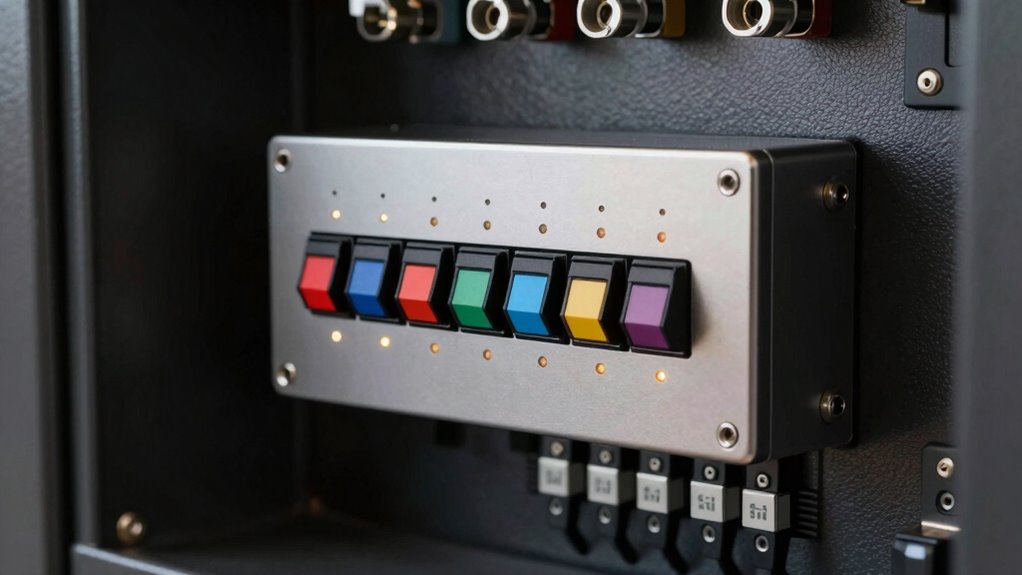
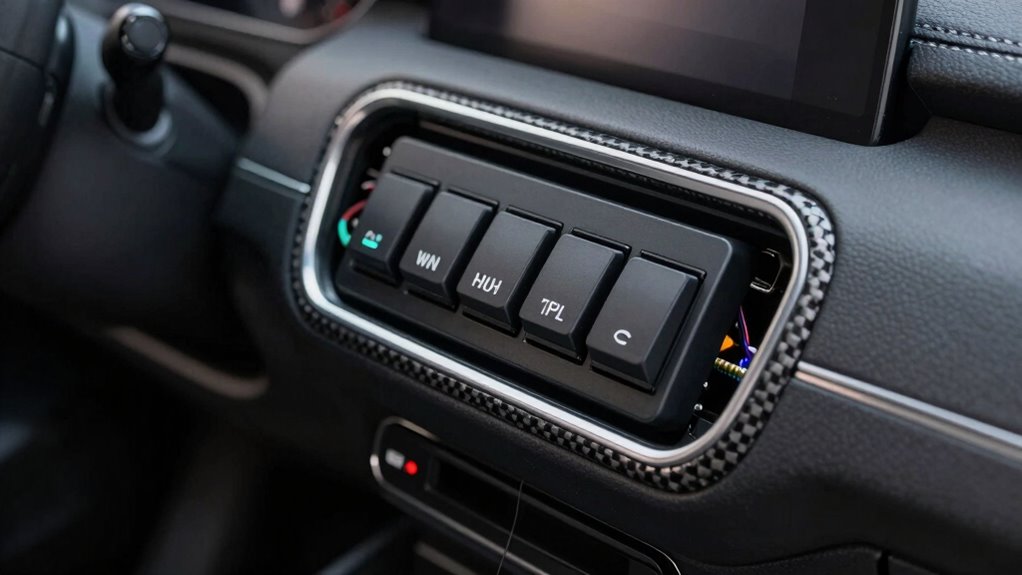
Ever wondered how to simplify controlling multiple electrical devices or systems? Auxiliary switch panels can be a game-changer, offering a streamlined way to manage various lights, appliances, or machinery from a single location. Before diving into installation, it’s essential to understand the essentials, especially concerning wireless integration and installation safety. These panels are designed to expand your control options, often allowing remote operation and automation, but they also require careful planning to guarantee everything works smoothly and safely. A thorough understanding of electrical safety precautions can help prevent accidents and ensure a secure setup. Wireless integration is one of the biggest advantages of modern auxiliary switch panels. With wireless technology, you don’t need to run long cables or worry about complicated wiring setups. Instead, these panels communicate with your existing systems via Wi-Fi, Bluetooth, or other wireless protocols, enabling you to control devices from your smartphone, tablet, or dedicated remote. This flexibility can make managing your electrical systems more convenient and efficient, especially in large or complex setups. Still, you should verify that your existing devices are compatible with wireless integration to avoid compatibility issues down the line. Proper wireless setup guarantees reliable communication and minimizes disruptions, so take the time to understand the network requirements for your chosen panel. Additionally, familiarizing yourself with electrical wiring standards can help ensure your installation meets safety requirements and functions correctly. Planning your installation carefully can save you headaches later. Map out the locations for switch placement, considering ease of access and the number of control points needed. Check that your electrical system can handle the added load of auxiliary panels and any connected devices. Using high-quality components and following manufacturer instructions can also improve safety and reliability. It’s also beneficial to consult local electrical codes** to ensure your setup complies with all legal requirements. Being aware of installation procedures can help you avoid common pitfalls and ensure a smooth setup process. Remember, the goal is to achieve a seamless, safe, and efficient control system that fits your needs. Additionally, understanding wireless protocols** can help optimize your system’s performance and security.
Products Worth Considering

Autel MaxiCOM MK808S Bidirectional Automotive Diagnostic Scanner

Autel MaxiCOM MK900BT Bidirectional Automotive Diagnostic Scanner

Garmin Dash Cam 47, 1080p HD, 140° Field of View, Voice Control, Includes 16 GB Memory Card
As an affiliate, we earn on qualifying purchases.
Frequently Asked Questions
Can Auxiliary Switch Panels Be Installed in Any Vehicle?
Yes, auxiliary switch panels can be installed in most vehicles, but you need to take into account custom mounting options and power sourcing. You’ll want to guarantee your vehicle has enough space and the proper electrical connections. Custom mounting helps fit the panel securely, while reliable power sourcing ensures it functions correctly without draining your battery. Check your vehicle’s wiring system and consult a professional if necessary to guarantee compatibility and safety.
What Are the Compatibility Requirements for Auxiliary Switch Panels?
Did you know that nearly 60% of vehicle electrical issues stem from improper wiring? Auxiliary switch panels need specific compatibility to work safely. You should check your vehicle’s electrical wiring and verify it can handle the added power capacity. Compatibility requirements include matching the panel’s voltage and current ratings with your vehicle’s electrical system, and confirming that your existing wiring can support the additional load without overheating or causing electrical failures.
How Do I Troubleshoot Switch Panel Malfunctions?
To troubleshoot switch panel malfunctions, start by checking the wiring connections for any loose or damaged wires. Perform voltage testing with a multimeter to guarantee proper power supply. If the panel still doesn’t work, inspect the wiring thoroughly for shorts or corrosion. Reset the panel if needed, and verify compatibility with your system. These steps help identify issues and restore your auxiliary switch panel’s proper function.
Are Auxiliary Switch Panels Weatherproof or Waterproof?
Imagine you’re installing an auxiliary switch panel in your boat. Typically, these panels feature weather-resistant designs and durable materials like marine-grade stainless steel or high-quality plastics, making them waterproof or highly resistant to water exposure. While many are built for outdoor or harsh environments, always check the specifications for weather resistance and material durability. Proper sealing and installation guarantee your switch panel remains functional, no matter the weather conditions.
What Is the Average Cost of Installing an Auxiliary Switch Panel?
You can expect to pay between $200 and $600 for installing an auxiliary switch panel, depending on complexity and your vehicle. To guarantee installation safety, hire a professional or follow detailed wiring customization guides carefully. Proper wiring prevents electrical issues and enhances performance. Remember, costs vary based on panel type and vehicle, so get multiple quotes and clarify what’s included to avoid surprises.
Conclusion
So, before you rush and install those auxiliary switch panels, remember—they’re supposed to make your life easier, right? Yet, all too often, they add a layer of complexity you didn’t expect. Irony strikes! You think you’re gaining control, but sometimes, it just opens a Pandora’s box of wiring woes. So, double-check your plans, stay patient, and maybe—just maybe—you’ll enjoy the switch to convenience without the unexpected surprises. Happy wiring!