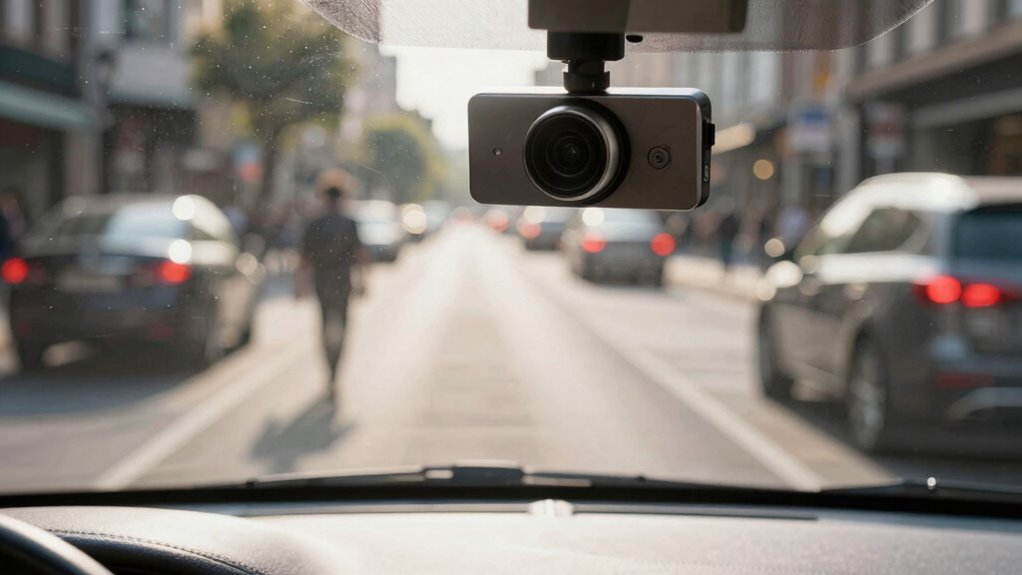

If your dash cam misses important moments, poor camera placement, distractions while driving, or incorrect settings could be the cause. Mounting the camera too high, low, or at an odd angle may limit your view or block key scenes. Distractions or aggressive driving habits can also lead to missed events. Ensuring your camera is properly positioned and settings are optimized helps improve footage. Keep exploring to discover how proper setup and driving habits can make a difference.

Get business pricing on garage and car supplies
- Business-only prices and quantity discounts
- Tax-exempt purchasing
- Multiple users, one account, clear invoices
Key Takeaways
- Improper camera placement can limit the view, causing important events to go unnoticed.
- Driver distractions or abrupt maneuvers may result in missed critical moments.
- Incorrect camera settings can reduce footage quality, making key details unclear or unrecorded.
- Mounting the camera too far to the side or at an incorrect angle can create blind spots.
- Obstructions like glare, stickers, or dirt on the lens impair visibility and recording effectiveness.
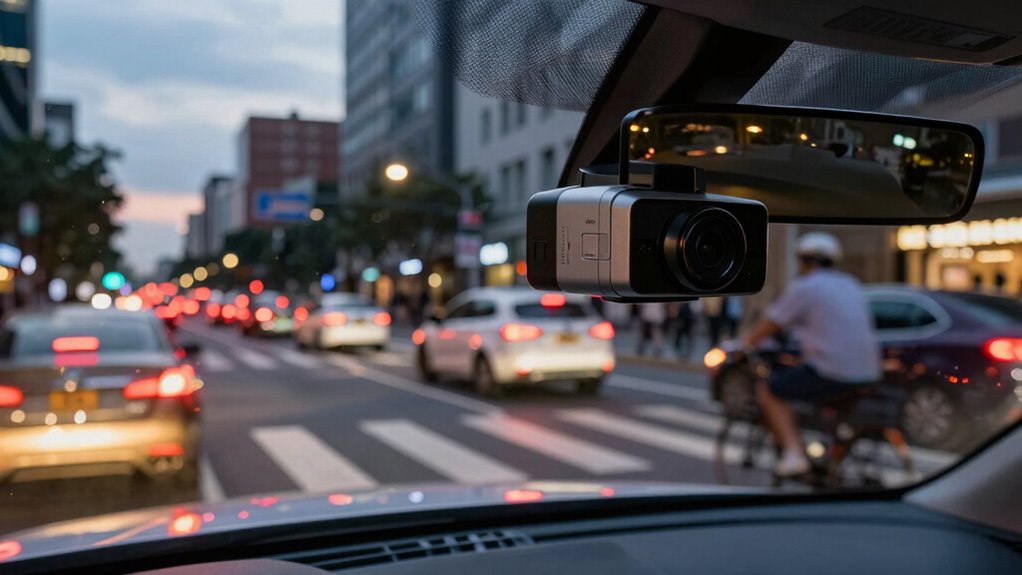
Have you ever relied on your dash cam to capture a vital moment, only to find it missing? It’s frustrating when you’re hoping to gather evidence or simply remember a memorable drive, but your footage falls short. One common reason is how driver behavior and camera placement influence what your dash cam records. If you’re not mindful of these factors, you might miss critical events, even when your device is technically working.
Driver behavior plays a significant role. If you’re frequently adjusting your speed or making sudden lane changes, your dash cam’s recording might not reflect the moments you care about most. For example, if you’re distracted or not paying attention, you could be steering or braking at the wrong time, and your dash cam might not capture the incident clearly or at all. Aggressive driving, such as tailgating or abrupt turns, can also cause the camera to record poorly, especially if it’s not positioned correctly to follow your line of sight. Your habits behind the wheel shape what gets recorded, so being a cautious driver can help ensure you don’t miss important details. Additionally, understanding how camera settings affect recording quality can help prevent missed moments.
Cautious driving and mindful camera placement ensure your dash cam captures the moments that matter most.
Camera placement is equally critical. If your dash cam isn’t mounted correctly, it won’t capture the right angles or crucial moments. For instance, placing it too high or too low on the windshield can limit your view or introduce glare, which reduces image clarity. A poor angle might focus on the dashboard rather than the road, missing the actions of other vehicles or pedestrians. Mounting the camera too far to one side can cause blind spots, leaving key events outside the frame. Proper placement—centered behind the rearview mirror, with a clear, unobstructed view—maximizes the chances of recording what truly matters. Also, avoid placing objects like stickers or air fresheners near the camera lens, as they can obscure vision or cause glare. Ensuring your camera angle is optimal and free from obstructions can make a significant difference in capturing all relevant details. Ultimately, it’s up to you to optimize both driver behavior and camera placement. Being attentive and cautious behind the wheel ensures you’re less likely to cause moments that go unrecorded. Regularly check that your dash cam is properly mounted and clean, and adjust its position if needed. Remember, even the most advanced dash cam won’t help if it’s not set up to see the right scenes or if your driving habits don’t support capturing those critical moments. By paying attention to these details, you increase the odds that your dash cam will serve as a reliable witness whenever you need it most.
Products Worth Considering

Vantrue N4 Pro S 4K 3-Channel Dash Cam with Triple STARVIS 2 HDR

Vantrue N2X 2.7K Dual Dash Cam (Front and Inside)

VIOFO A229 Pro 4K HDR Front and Rear Dash Cam
As an affiliate, we earn on qualifying purchases.
Frequently Asked Questions
How Can I Prevent My Dash Cam From Overheating?
To prevent your dash cam from overheating, focus on proper dash cam placement. Avoid direct sunlight by mounting it on the windshield’s shaded area or using a sunshade. Guarantee good ventilation around the device and avoid parking in extreme heat. Regularly check for dust and dirt, which can cause overheating. Implement overheating prevention by installing a cooling fan or using a dash cam with built-in temperature control features.
Do Dash Cams Record Audio Along With Video?
Yes, many dash cams record audio along with video, but you should be aware of audio privacy and recording regulations in your area. Some regions have strict laws about capturing sound, especially without consent. Before enabling audio recording, check local laws to guarantee you’re compliant, and consider privacy concerns. Always review your dash cam’s settings to control whether it records audio, so you can balance safety and privacy appropriately.
Can Dash Cams Be Hacked or Hacked Into?
Yes, dash cams can be hacked or hacked into, mainly due to cybersecurity threats. Hackers might access your device to steal footage or compromise your privacy. To protect yourself, make sure your dash cam has strong passwords, regular software updates, and secure Wi-Fi connections. Being aware of these privacy concerns helps you stay vigilant and safeguard your footage from malicious attacks. Always prioritize cybersecurity to keep your recordings safe.
What Is the Best Storage Capacity for Dash Cams?
You should choose a dash cam with at least 32GB to 128GB of storage capacity for ideal memory management. This range balances local storage with memory optimization, reducing the risk of overwriting important footage. Additionally, opt for dash cams that support cloud storage, allowing you to automatically back up critical videos. This way, you’re protected from data loss and can access footage easily, even if the SD card gets damaged or full.
How Do I Update My Dash Cam’s Firmware?
To update your dash cam’s firmware, you need to check the manufacturer’s website for the latest firmware files. Download the firmware update, then follow the instructions for your specific model—usually involving transferring the file to a microSD card and inserting it into your dash cam. Make sure the firmware update is compatible with your device to avoid software compatibility issues. Keep your firmware updated regularly to improve performance and fix bugs.
Conclusion
Just like a camera with a blinkered eye, your dash cam can miss critical moments if it’s not set up properly. Imagine trying to catch a lightning strike—if your camera isn’t focused or positioned right, you won’t see the flash. Regularly check your footage settings, keep the lens clean, and make certain it’s always recording. Think of your dash cam as your digital eyewitness—when it’s working right, it captures the story that matters most.