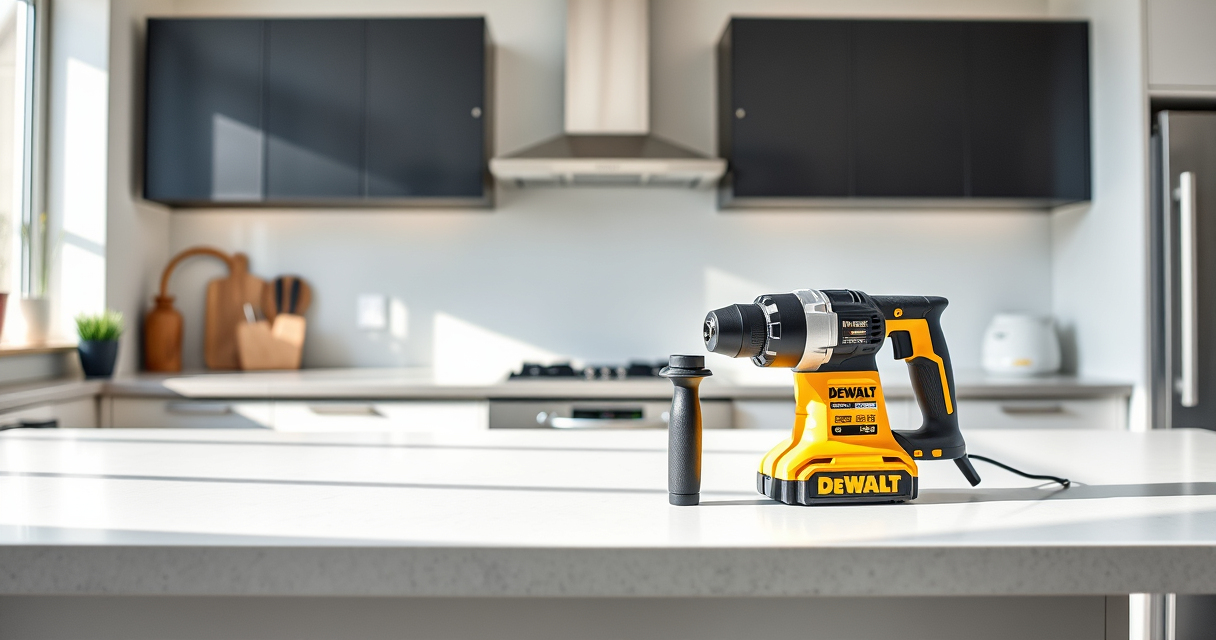

If your DEWALT power tool keeps overheating during use, it can halt your project and cause potential damage to the tool. Overheating often indicates underlying issues such as overuse, poor ventilation, or internal faults. Addressing this promptly can extend your tool’s lifespan and maintain optimal performance.
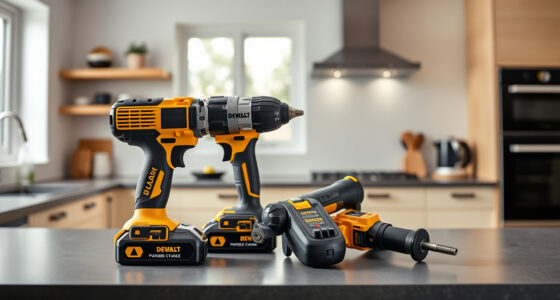
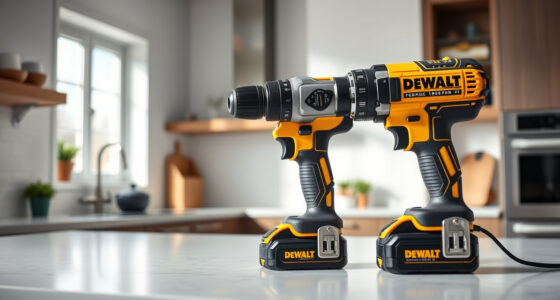
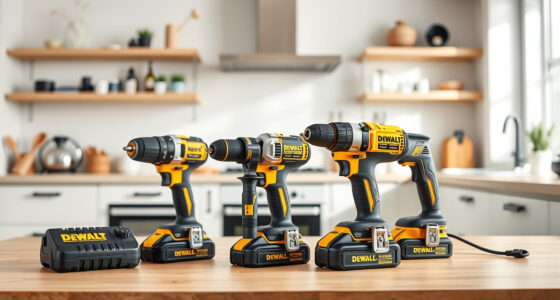
In this guide, we’ll walk you through practical troubleshooting steps to identify the cause of overheating and how to fix it safely. Whether you’re using a cordless drill like the DEWALT 20V MAX Cordless Drill and Impact Driver or other models, these steps are applicable to help you get back to work quickly and safely.
Key Takeaways
| Overheating causes | Common causes include overuse, poor ventilation, or internal faults. |
| Safety first | Always disconnect the tool from power before troubleshooting. |
| Cleaning is key | Regular cleaning of vents and motor components prevents overheating. |
| Check batteries | Ensure batteries are charged correctly and not causing excessive heat. |
| Replace worn parts | Worn brushes or damaged components can lead to overheating. |

DEWALT 20V MAX Cordless Drill and Impact Driver, Power Drill Brushless 2-Tool Power Tool Combo Kit, Includes 2 Batteries, Charger and Bag (DCK277D2)
The compact 7.6-inch front-to-back, lightweight design fits into tight areas, making it an ideal choice for a power...
As an affiliate, we earn on qualifying purchases.
Step 1: Disconnect and Allow Cooling
- Immediately turn off the tool and disconnect it from the power source or remove the battery.
- Allow the tool to cool down in a well-ventilated area for at least 30 minutes before inspecting further.
- Avoid trying to operate the tool while it’s hot, as this can cause further damage or safety hazards.

DEWALT Drill Bit Set, 3-Flats Shank,14-Piece, 135 Degree Split Point, for Plastic, Wood and Metal (DWA1184)
135 Degree Split point tip design to help reduce walking
As an affiliate, we earn on qualifying purchases.
Step 2: Inspect and Clean Ventilation Openings
- Check all vents and cooling holes for dust, debris, or obstructions.
- Use compressed air or a soft brush to carefully remove any buildup.
- Ensure that airflow is unobstructed to prevent overheating during use.
Step 3: Examine Internal Components
Once cooled and cleaned, open the casing following the manufacturer’s instructions. Check for signs of worn brushes, broken wires, or damaged bearings. Replace worn parts with genuine DEWALT replacement parts for optimal performance.
Step 4: Check Battery Health and Connection
If using cordless tools, verify that the battery is in good condition. A swollen, excessively hot, or old battery can cause overheating. Test with a known-good battery or replace if necessary. Ensure the battery contacts are clean and properly seated.
Step 5: Test the Tool Under Supervised Conditions
- Reassemble the tool, insert the battery, and test it under normal working conditions.
- Monitor the tool closely for overheating signs or unusual behavior.
- If overheating persists, consider professional servicing or replacing the tool.
The Products in This Guide

DEWALT 20V MAX Cordless Drill and Impact Driver
- ✔ Weight: 3.4 lbs per tool
- ✔ Max Speed: 2000 RPM
- ✔ LED Duration: 20 seconds

DEWALT Drill Bit Set
- ✔ Length: 2-4 inches
- ✔ Shank: 3-flats
- ✔ Color: Black and gold
DEWALT 20V MAX Cordless Drill and Impact Driver
The DEWALT 20V MAX Cordless Drill and Impact Driver set is a popular choice for professionals and DIYers alike, thanks to its compact design, ergonomic grip, and brushless motors. However, even reliable tools can overheat if not properly maintained. Regular cleaning, correct battery use, and proper handling help prevent overheating and extend the tool’s lifespan.
Pros:
- Lightweight and ergonomic design
- Brushless motor for efficiency
- Includes two batteries
- Bright LED for visibility
Cons:
- Can overheat with prolonged use
- Requires regular maintenance
- Battery life may vary with intense tasks
Best for: Ideal for tight spaces, general drilling, and impact driving tasks
Not ideal for: Not suited for continuous heavy-duty industrial use without regular maintenance
Bottom line: A dependable cordless drill set that benefits from regular maintenance to prevent overheating.
DEWALT Drill Bit Set
Pair your DEWALT drill with this high-quality 14-piece drill bit set, designed for various materials including plastic, wood, and metal. These bits feature a 135-degree split point and heavy-duty high-speed steel, making them durable and efficient for different projects, especially when tackling tasks that could cause overheating if the bits are not sharp or suitable.
Pros:
- Durable high-speed steel
- Split point reduces walking
- Easy size identification
- Rust-resistant coating
Cons:
- May require sharpening over time
- Not designed for heavy industrial use
- Limited to smaller sizes
Best for: General DIY projects, home repairs, and hobbyist use
Not ideal for: Heavy-duty professional industrial drilling
Bottom line: A versatile drill bit set that complements your DEWALT drill for safer, efficient drilling.
Frequently Asked Questions
What causes a DEWALT tool to overheat?
Overheating can be caused by prolonged use without breaks, poor ventilation, excessive load, worn brushes, or internal faults. Regular maintenance helps prevent this.
How long should I let my tool cool down?
Allow your tool to cool for at least 30 minutes in a well-ventilated area after overheating before attempting to use it again.
Can I fix overheating myself?
Yes, basic troubleshooting like cleaning vents, inspecting internal parts, and replacing worn brushes can be done safely. For complex issues, seek professional repair.
How do I prevent my batteries from overheating?
Use batteries within recommended temperature ranges, avoid overcharging, and store batteries in cool, dry places. Always use genuine DEWALT batteries and chargers.
When should I replace internal parts like brushes?
If you notice decreased performance or overheating, inspect the brushes. Worn brushes should be replaced promptly to restore proper motor function.
Keeping Your DEWALT Power Tools Cool and Efficient
Proper maintenance and troubleshooting are essential to keep your DEWALT power tools running smoothly and prevent overheating. Regular cleaning, checking internal components, and using batteries correctly can save you time and money in the long run. Remember to always prioritize safety when inspecting or repairing your tools, and consult professional repair services if needed. With these tips, you can extend the life of your equipment and ensure safe, reliable operation for all your projects.
Affiliate disclosure: As an Amazon Associate we earn from qualifying purchases. Prices and availability are accurate as of the time of publishing.